Canva vs Graphic Designer: When DIY Costs You
Canva is useful for making everyday assets. A brand designer builds the system that makes those assets look and feel like the same business.
On this page
- Canva vs graphic designer: what is actually being compared?
- When is Canva good enough for a small business?
- What does a brand designer do that Canva cannot?
- The design decisions that affect business results
- When do inconsistent Canva designs start costing more?
- The legal question: can you trademark a Canva logo?
- What is the best of both worlds?
- Canva vs graphic designer: comparison by decision criteria
- Pros and cons of Canva DIY design
- Pros and cons of hiring a brand designer
- A checklist: are you ready to hire a brand designer?
- How to choose a designer and avoid a frustrating project
- Verdict: Canva or a brand designer?
Canva vs graphic designer is not really a choice between a tool and a person. It is a choice between making individual designs yourself and building a recognisable, reusable brand system. Canva can be a sensible way to get moving, but when inconsistent assets weaken trust or consume founder time, professional brand design can be the more practical investment. DesignFIT’s brand design service helps businesses make that shift.
The right answer depends on what you need to make, how often you make it, who is doing the work and what a customer sees before deciding to buy. Below, we compare the two approaches by cost, consistency, trust, flexibility, ownership and day-to-day speed. The aim is not to make Canva sound bad. It is to help you spot when the tool is doing its job and when your business needs more than a collection of templates.
Canva vs graphic designer: what is actually being compared?
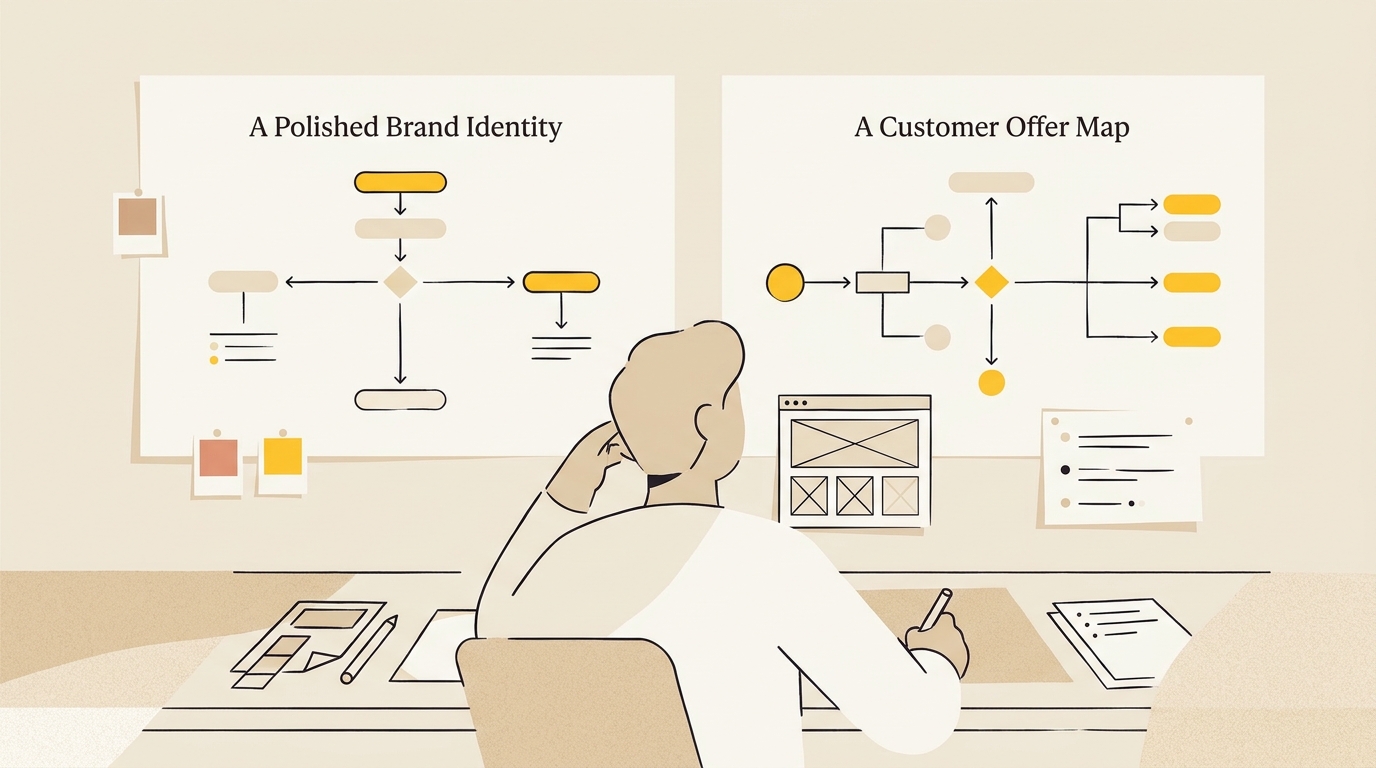
Canva is a design and publishing tool. It gives you templates, layout controls, fonts, images and brand features that help you create assets. A graphic designer is a professional who uses design skills to solve a communication problem. A brand designer takes a wider view, setting the visual rules and core assets that help a business show up consistently across its touchpoints.
The distinction matters. Canva does not decide what your business should look like, how it should differ from competitors or what visual information a customer should notice first. It gives you ways to execute a design. A designer can research the business and audience, make those decisions, create the identity and build templates for you to use afterwards.
| What you are comparing | Canva DIY | Brand designer or studio |
|---|---|---|
| Main purpose | Make assets using available tools and templates | Create a purposeful identity and a system for using it |
| Best for | Frequent, lower-risk production after the visual direction is clear | Positioning, differentiation, core identity and important customer-facing assets |
| Upfront commitment | Usually a subscription, plus the time you put in | A scoped project fee, with cost depending on research, deliverables and complexity |
| Main risk | Inconsistent choices, generic templates and time spent correcting details | Paying for a scope that is more than the business needs, or choosing a poor fit |
| Useful long-term setup | A well-organised brand kit and approved templates | A brand system that can include a kit, guidelines and customisable templates |
In practice, these options are not mutually exclusive. A strong setup often uses both: a designer sets the visual system, then the team uses Canva to produce routine social posts, presentations or promotions within that system.
When is Canva good enough for a small business?
Canva can be a good fit when your offer is still changing, you are testing a business idea, or you need a few simple materials without a large upfront commitment. It lets a founder produce a basic event graphic, internal presentation or social post without waiting for a design supplier. That flexibility is useful when the work is low-risk and the design does not need to carry a complex message.
It is especially helpful when you already have a clear identity to follow. If you know which logo version to use, which colours and type styles belong together, how much space to leave around the logo and what image style fits, Canva can help you execute consistently. A tool is more useful when the decisions have already been made.
It is less dependable as the source of those decisions. A template can make one post feel polished, but that does not mean the same visual language will work on your website, a proposal, a product label and a paid ad. Those formats have different jobs. A post may need to stop a scroll, a proposal needs to support a sales conversation, and a product page needs to explain and reassure.
Use Canva DIY when most of these are true:
- Your brand is new and you are still validating the offer.
- The assets are temporary or low-stakes.
- You are the only person producing them.
- You can follow a small set of existing visual rules.
- The business does not yet depend on a polished identity to win larger or higher-value work.
- You are spending a manageable amount of time on production, rather than repeatedly rebuilding the same designs.
If this describes your situation, there is no need to replace Canva just because a professional designer exists. Keep the scope small, save reusable layouts and pay attention to what customers respond to. The useful question is whether Canva is helping you move forward or just making the next design decision look easy while leaving the underlying brand unresolved.
What does a brand designer do that Canva cannot?
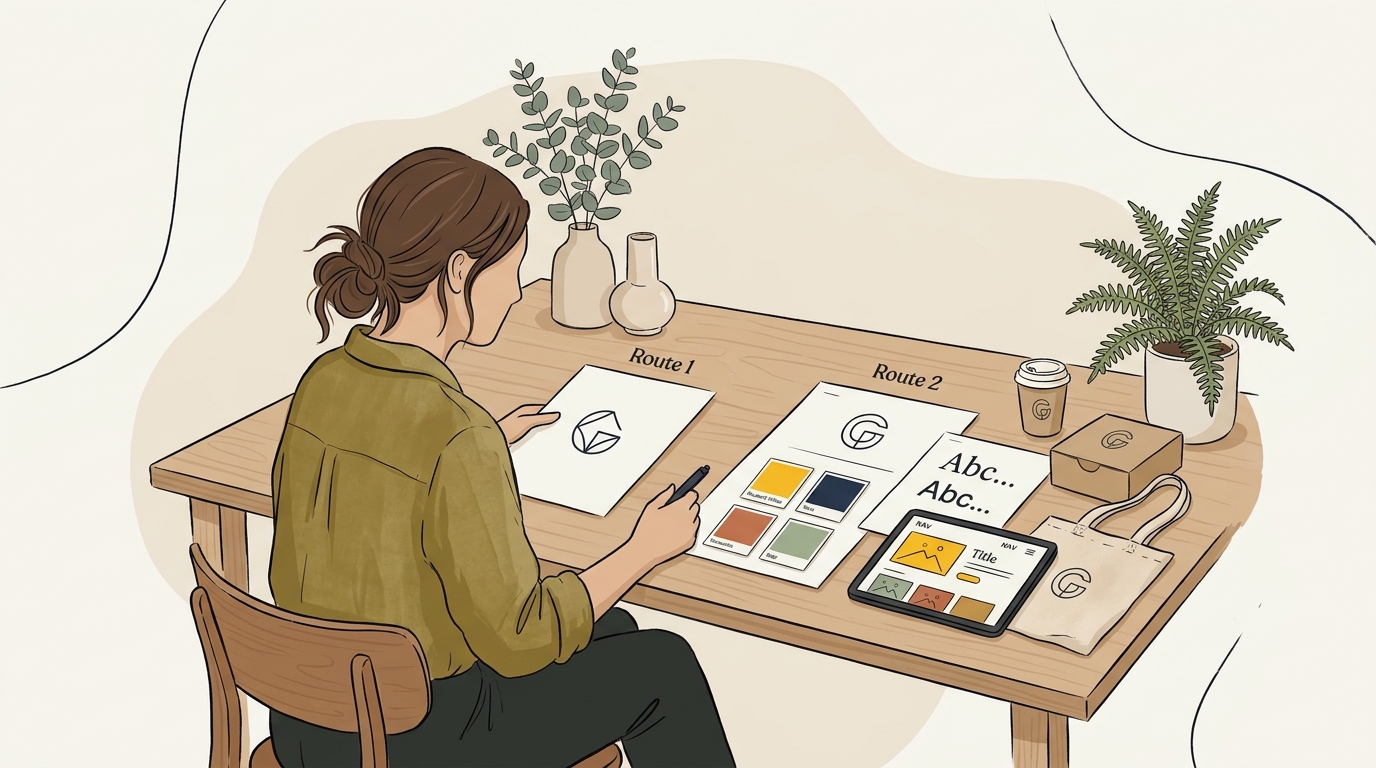
A brand designer creates a visual system, not just a set of attractive files. That usually means understanding the business, its customers and its competitive context before deciding how the brand should look and behave. The deliverables vary by project, but a system may include a logo, colour palette, typography, graphic elements, image direction, examples of use and practical guidelines.
The designer’s value is in making connected decisions. What should someone notice first? How should headings differ from supporting text? Does the logo work on a dark background, a small mobile screen and a printed sign? Do the colours feel distinctive in your category while keeping information easy to read? What should a team member do when a template does not quite fit the next campaign?
Those questions affect how customers experience your business. A considered hierarchy can make an offer easier to scan. Consistent spacing and typography can make a proposal feel more coherent. A distinctive identity can help a business look less interchangeable with competitors. None of those choices guarantees a sale, but they give your message a better chance of being seen and understood.
A useful designer does not simply replace your taste with their own. They explain the reasoning behind a system and make it practical for the people who will use it. If the business needs to move quickly, the designer can create templates that are easy to update. If the brand has to work across packaging, web and print, the designer can plan the assets and formats for those uses before production begins.
That is why “Canva versus designer” can be a misleading framing. Canva is a production tool. A designer is a problem-solving partner. The designer can use Canva as part of the delivery, while Canva itself cannot take responsibility for strategy, judgement or the business fit of a design.
The design decisions that affect business results
Visual hierarchy: what should customers notice first?
Visual hierarchy is the order in which a design encourages someone to notice and read information. In an ad, that might mean seeing the offer before the supporting detail. On a service page, it might mean making the service, proof and next step easy to distinguish. When everything is the same size, weight and visual intensity, the reader has to work out what matters.
Canva offers control over size, position, colour and type. It cannot know whether the headline, price, testimonial or call to action should lead for your specific audience. A designer works out the intended reading order, then uses layout and contrast to support it. That makes the message easier to navigate, especially when someone is skimming on a phone.
Typography: a type system, not a pile of favourite fonts
Typography includes the typefaces, sizes, weights, spacing and line lengths used in a design. A common DIY problem is adding a new font whenever a template suggests one. The result can be a string of unrelated styles across social posts, emails and presentations. It may look lively in isolation but inconsistent as a whole.
A designer chooses a small, considered set of type styles and defines their roles. A strong heading style, readable body text and a limited accent style are usually more useful than a long list of options. The goal is not to make every asset identical. It is to help customers recognise the same business while allowing each piece to do its job.
Space and layout: leave room for the important message
Templates can encourage filling every available space with a badge, icon, photo or extra line of text. But more elements do not necessarily make an asset more persuasive. Space around a key message can help it stand out. Clear alignment and consistent margins can make the whole composition feel deliberate.
A designer balances the elements according to their purpose and format. A social post, pitch deck and website do not need the same layout, but their underlying rules can still feel related. That is the difference between a flexible system and copying one template everywhere.
Colour and contrast: attractive is not always readable
A palette needs to work in real conditions, not only on a bright laptop screen. Small text in a pale colour may be hard to read on a phone. A colour combination that looks refined on a screen may become muddy in print or sit poorly beside product photography. Choosing colours is therefore both a brand decision and a practical communication decision.
A designer considers how colours work together, where they should be used and which combinations support legibility. Canva allows you to enter and reuse colours, but it does not automatically choose a functional palette for your business or check every use. A defined palette makes everyday production easier because the team knows which colours are primary, supporting and reserved for emphasis.
Imagery and graphic style: make the business recognisable
Stock photos and template illustrations are useful when you need to produce something quickly. The risk is that other businesses can choose the same assets, especially when they use popular templates or search the same libraries. A brand can start to feel familiar in the wrong way: not because customers recognise you, but because the visual ingredients resemble many other businesses.
A designer sets an image direction. That could mean using real team photography, a consistent crop, a particular illustration style or a distinct approach to product images. It should fit the business and the audience, not just the template. On a website or in an ad, the right imagery can help explain the offer and make it feel more credible. Generic visuals can make a specific service feel generic too.
Responsive assets and file preparation: design for where it will appear
A logo that looks fine in a large social graphic may become unreadable as a small profile icon. A design made for the screen may need different preparation for a printer, a sign maker or packaging supplier. When a business starts using its assets across more formats, technical and visual details matter more: size, resolution, colour mode, bleed, background and export format.
Canva provides export options, and the capabilities depend on the plan and current product features. Before a print run or installation, check the supplier’s file requirements and make sure the artwork meets them. A designer can prepare suitable files and check how the identity behaves at different sizes and in different contexts. That can prevent last-minute reconstruction and help keep the finished result close to the approved design.
When do inconsistent Canva designs start costing more?
DIY design has costs beyond the subscription. The most visible cost is the time spent making assets. The quieter costs come from rework, inconsistent presentation, unclear messages and missed opportunities to build a recognisable identity. They are difficult to measure precisely without tracking your own workflow and sales, so avoid assuming that a particular percentage of revenue is lost because of design.
Instead, look for specific friction in your business:
- You repeatedly rebuild a social post, proposal or slide because there is no reliable template.
- Your website, ads and sales materials use different colours, fonts or logo versions.
- A prospect asks basic questions that your proposal or landing page should answer clearly.
- You avoid sending a deck or posting a campaign because you do not feel confident in how it looks.
- Team members create their own versions of the brand because there are no clear rules.
- A new channel, product or location requires a set of assets that your current files cannot support.
The financial case is not “design always increases sales”. It is whether the existing approach is costing you time, trust or consistency in a way that matters to your business. For example, if customers are comparing several providers for a high-value service, a clear and coherent identity can support the confidence your sales process is trying to create. If you sell a simple, low-cost product to a small audience, the same level of brand investment may not be urgent.
A useful way to make the decision is to calculate your own time cost. Estimate the hours you spend each week on design, including finding templates, adjusting layouts, fixing exports and redoing assets. Multiply that by a realistic hourly value for the work you could do instead. This is an opportunity-cost estimate, not money guaranteed to be recovered.
For example, suppose a founder spends four hours a week producing and correcting assets, and values that time at $100 an hour. The simple calculation is four multiplied by $100, or $400 of time value a week. Over a month of four weeks, that is $1,600. Those figures are hypothetical. Your hourly value should reflect the work you would actually do with the time, not a hoped-for sales rate.
Then compare that figure with a designer’s proposal. Include the full scope: discovery, core identity, templates, file handover, revisions and any ongoing support. A one-off brand project will not remove every future design task. It should reduce repeated decisions and give you a system for producing common assets more efficiently. If you still spend most of your time customising complex campaigns, you may need ongoing design support as well as a brand identity.
The legal question: can you trademark a Canva logo?
Sometimes, but the answer depends on how the logo was made and the rules in the relevant jurisdiction. Canva’s trademark guidance distinguishes between original elements you create and stock content or templates supplied through Canva. Its trademark and logo guidance and Content License Agreement explain the restrictions that apply to licensed content. Read the current terms before using a Canva asset as the core of a brand mark.
Do not reduce this to “a logo made in Canva can never be trademarked”. A simple mark created from your own original artwork may be different from a logo built from Canva stock illustrations or a template. But being able to export a file or use an asset in a design does not automatically give you exclusive rights to that asset. Other users may have access to the same licensed content, which can make it a poor foundation for a distinctive and protectable mark.
If a trademark matters to your business, make the artwork and rights questions part of the brief. Ask who created the logo, which elements are original, what third-party assets are included and what rights are transferred to you. Get advice from a qualified trademark professional for a decision about registration. A brand designer can create a distinctive identity and provide clear asset information, but they are not a substitute for legal advice.
This is particularly worth checking before investing in packaging, signage, a major campaign or a new market. Finding out late that the mark is difficult to protect can mean paying to replace artwork and updating many customer touchpoints. It is more efficient to discuss ownership and intended use before the logo becomes embedded everywhere.
What is the best of both worlds?
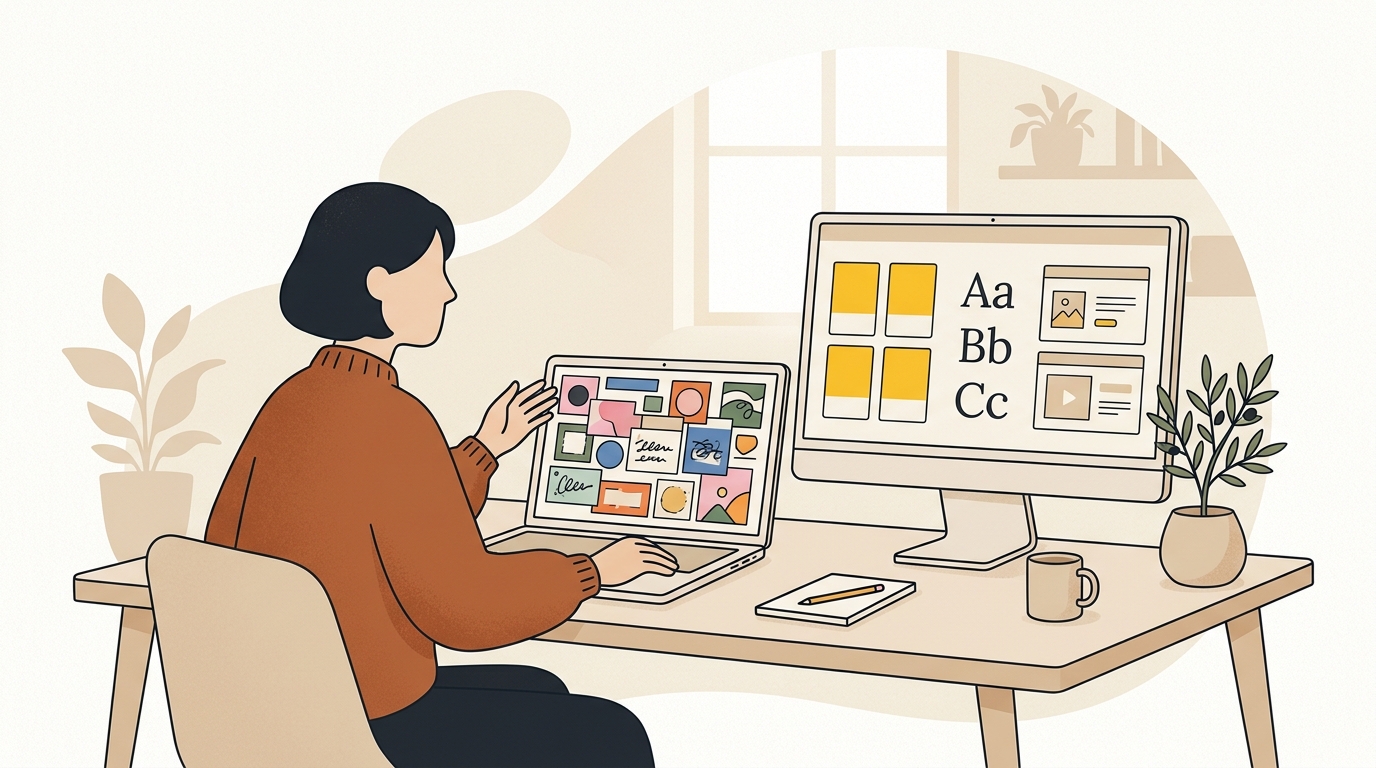
For many small businesses, the practical answer is a designer-built brand system that the team can use in Canva. The designer establishes the visual direction and creates the core assets. They then build templates for recurring jobs, such as social posts, presentation covers, promotional graphics or simple announcements. Your team gets speed without having to invent the design rules every time.
A useful handover should make routine work straightforward. Ask for a clear logo set, the approved colour values and type styles, guidance on images and layout, and templates that match the assets you genuinely make. The designer should explain how to adapt each template without breaking the hierarchy. If the templates are too rigid, people will work around them. If they are too open, everyone may make different choices.
It also helps to decide what Canva is for and what it is not for. Let the team use templates for recurring, lower-risk content. Keep custom work, major campaigns, website design, brand changes and complex print projects under a design review. This boundary prevents the template library from becoming a substitute for strategy while preserving the convenience that made Canva useful.
A small set of well-designed templates is often better than a large library of unused options. Start with the designs you make most often. Give each template a clear purpose, name it plainly and store the source files in an agreed location. Assign someone to maintain the system so outdated logos and old campaign styles do not keep circulating.
DesignFIT’s brand design work can help establish the identity and practical rules behind that system. If you already have a brand but need a clearer way for staff to apply it, brand guidelines can also be part of the solution. The right scope depends on whether your main problem is the identity itself, its day-to-day use or the production of specific assets.
Canva vs graphic designer: comparison by decision criteria
Cost and value
Canva’s direct subscription cost is usually easier to absorb than a custom brand project, but it is not the full cost of DIY. You provide the time and make the decisions. The cost of a designer depends on the scope, experience, number of deliverables and research required. A focused logo project is not the same as a complete identity with guidelines and templates.
Ask for a proposal that says what is included, what is not, how many review stages are planned and what files you receive. Compare the fee with the time and rework you currently spend, but do not expect a guaranteed return. DesignFIT’s pricing page is a useful place to understand the project options and prepare questions about scope.
Consistency and control
Canva gives you control over each file. That is useful for fast edits, but it also means the user can change the font, colour or spacing without realising that the brand is drifting. A designer can define the system and give the team examples to follow. Consistency then comes from both the quality of the rules and whether people can use them easily.
If you have multiple staff members making content, set up approved templates and clear access to current assets. Do not assume that putting colours into a brand kit is enough. A brand kit stores choices; it does not explain when each choice should be used.
Differentiation and trust
A popular template may look polished, but polish alone does not make a brand distinct. Customers are more likely to recognise a business when its visual choices are coherent and specific enough to separate it from other options. The designer’s role is to connect those choices to the business, not simply to decorate the content.
Research on website credibility has examined the role of visual design in people’s perceptions. The Stanford Web Credibility Project is a useful starting point, but it should not be treated as proof that a redesign will produce a particular sales result. Trust also depends on the offer, service, evidence, reviews, copy and customer experience.
Speed and flexibility
Canva is often faster for a quick edit when the design direction is clear and the asset is simple. A designer may take longer at the start because they need to understand the business, create the system and review the work. That setup can make later production more efficient, but only if the system fits the real workflow.
If your team changes campaign messages daily, templates need enough flexibility. If you publish infrequently, a large template system may not be worth building. Design for the actual rhythm of the business rather than an idealised content calendar.
Scalability and file ownership
As a business grows, assets may need to work across web, social, sales, packaging, signage and internal documents. That raises questions about formats, rights and access. A designer can hand over suitable files and explain their intended uses, subject to the agreement and any third-party licences. Canva can also support ongoing editing, but it should not be the only place your important brand assets exist.
Keep an organised master folder with final files, source files where agreed, usage notes and a record of licensed elements. This makes it easier to work with another supplier later and reduces the risk of someone rebuilding the logo from a screenshot. Confirm the handover and intellectual property terms in writing before a project starts.
Pros and cons of Canva DIY design
Pros
- Low barrier to getting a basic asset made.
- Convenient for routine content and quick edits.
- Useful for testing an offer or visual direction before committing to a larger project.
- Templates can help a small team produce common materials without a designer on every task.
- The same platform can support collaboration and sharing, depending on the plan and setup.
Cons
- A template cannot decide your positioning or make your business visually distinctive.
- Users can make inconsistent choices across fonts, spacing, colours and image styles.
- Time spent designing and correcting work is still a business cost.
- Stock assets and templates may have licensing or exclusivity limits, especially for logos.
- Complex formats and production requirements may need specialist design and file preparation.
Canva is at its best when it helps you execute a clear design direction. It is at its weakest when a business expects a template library to create that direction for it.
Pros and cons of hiring a brand designer
Pros
- You get informed decisions about hierarchy, typography, colour, imagery and layout.
- A connected identity can work across more than one channel or format.
- The designer can create original assets and practical guidelines for future use.
- You can get templates built around the work your team actually produces.
- The handover can clarify file formats, asset use and ownership terms.
Cons
- There is an upfront fee, and the right scope may take time to define.
- A designer cannot guarantee higher revenue or solve an unclear offer by changing its colours.
- The process needs your input, feedback and decisions.
- A brand system that is too complex or poorly handed over can be difficult for staff to use.
- You still need a plan for ongoing design work and maintaining the assets.
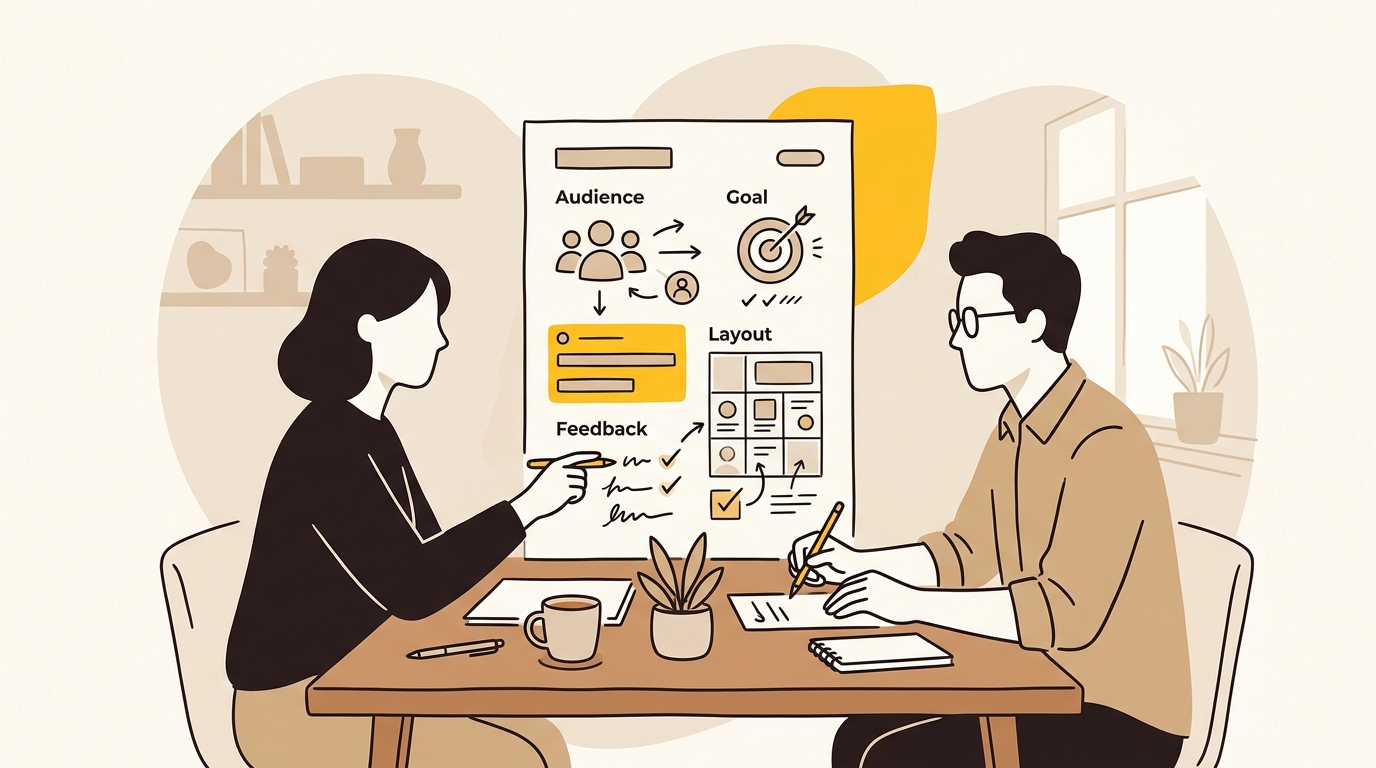
The quality of the working relationship matters. Look for someone who asks about the business and explains their thinking, not just a portfolio that matches your preferred aesthetic. A useful brief should cover your audience, offer, competitors, existing assets, practical constraints and what success would look like.
A checklist: are you ready to hire a brand designer?
Consider talking to a designer if several of these statements feel familiar:
- The business has a stable offer and a clearer idea of who it serves.
- You are charging more, selling a complex service or pursuing larger clients.
- Your website, proposals, ads and social posts look like separate businesses.
- You are spending regular work hours fixing layouts or rebuilding assets.
- You need an identity that works for new products, locations or sales channels.
- You need a distinctive mark and want to understand the rights around it.
- Your team needs templates but does not know which design choices are approved.
- You are preparing for a launch, rebrand, investment conversation or major campaign.
One or two signs do not automatically mean you need a full rebrand. You may need a focused logo update, a set of templates, a better website, or a short brand-guidelines project. Start with the business problem, then choose the smallest scope that addresses it. That is more useful than buying a package because a list of deliverables sounds impressive.
How to choose a designer and avoid a frustrating project
Before contacting designers, gather a small set of examples: materials you use now, designs you like and dislike, and a description of the customers you want to reach. Be specific about where the identity will appear. A business that needs packaging, a website and a sales deck has different needs from one that mainly produces social content.
Ask potential designers:
- How do you learn about our business and customers before designing?
- What decisions and deliverables are included in the proposed scope?
- Will the identity include guidelines and Canva templates if we need them?
- Which final and editable files will we receive?
- How are licensed fonts, stock assets and intellectual property handled?
- What feedback and approval stages are included, and what could change the timeline or fee?
Look for answers that connect design choices to your goals. A designer should be able to explain why a system suits the audience and how the team will use it. Be cautious of promises of guaranteed conversion lifts, instant trademark protection or a complete strategy based only on picking colours and fonts. Design can support a business outcome, but it does not control every factor in that outcome.
Verdict: Canva or a brand designer?
Choose Canva DIY if you are validating an idea, your assets are simple and low-risk, or you have a clear existing identity to follow. Use it to save time on routine production, not to force every business decision into a template. If you are the only person making occasional materials and your customers understand and trust the offer, a professional identity may not be the next urgent expense.
Hire a brand designer when the identity itself is unclear, the business needs to stand apart in a crowded market, or the current visuals are creating repeated work and inconsistency. It is also worth getting professional help when you need a system to serve several channels, a team or a higher-stakes launch. Your goal is not to make every graphic look expensive. It is to make the business easier to recognise, understand and trust.
Choose the hybrid approach when you need both quality and speed. Have a designer build the system and Canva templates, then let your team handle repeatable content within those boundaries. Review the system as the offer and business change. That keeps the practical value of Canva while giving the brand a stronger foundation.
The decision is less about whether Canva is good enough and more about whether your current design process is good enough for the next stage of the business. Look at the assets customers see, the time you spend producing them and the work you keep putting off. If those signs point to a brand problem rather than a software problem, explore DesignFIT’s brand design service and review pricing and project options before deciding on a scope.
Key takeaway
Canva is a useful production tool, but when you need a distinctive and consistent brand system, a designer can build the rules and templates that make DIY work better.
Questions people ask
Is Canva good enough for a small business?
Yes, especially for early-stage businesses making simple, low-risk materials or for teams following an established identity. It is less suitable as a replacement for brand strategy when you need differentiation, consistency across channels or custom assets.
Can I trademark a logo created in Canva?
It depends on how the logo was made and the relevant trademark rules. Canva’s terms restrict using licensed stock content as part of a trademark, so check the current agreement and get qualified trademark advice before relying on a logo for exclusive rights.
When should a small business hire a brand designer?
Consider hiring one when your offer is established, your identity feels inconsistent, you are repeatedly reworking assets or you need the brand to work across new channels. A focused project may be enough; not every business needs a full rebrand.
Can a brand designer make Canva templates for my team?
Yes. A designer can build templates around your brand rules and the recurring content your team actually produces. Good templates give people room to update the message while keeping key visual choices consistent.