Ecommerce Brand Identity: Stand Out on the Shelf
A strong ecommerce brand identity makes your product recognisable online, on the shelf and when it arrives at a customer’s door.
On this page
- What is ecommerce brand identity?
- The three parts of a consistent DTC brand
- Start with the product and the customer, not a moodboard
- Choose a visual system that can travel
- Make packaging part of the brand experience
- Design product pages to carry the identity through
- A real example: what Graza’s design makes clear
- How to build an identity without spending on everything at once
- What does ecommerce brand identity cost?
- How to tell whether the design is working
- A launch checklist for a connected brand
- Common mistakes that weaken an ecommerce identity
- The takeaway
Ecommerce brand identity is the visual system that makes your product recognisable and trustworthy across your website, packaging, advertising and delivery. It works best when those pieces are designed together, so a shopper sees the same clear promise in an ad, on a product page and on the item they unwrap. The goal is not just to look polished. It is to help people understand what you sell, why it suits them and what to expect when it arrives. If you are planning that system, DesignFIT’s brand identity service can help bring the strategy and design decisions together.
For a new direct-to-consumer (DTC) brand, the website may be the first place a customer meets the product, but it is not the only place they experience the brand. A label, shipping box, product photograph and follow-up insert all contribute to the impression. When each is designed separately, the customer can feel the gaps, even if they cannot name them.
What is ecommerce brand identity?
Ecommerce brand identity is the set of visual choices and rules that distinguish a business and make its products feel like they belong together. It includes the logo, colour palette, typography, imagery, packaging and the way product information is arranged on a page. It is not the same thing as a logo, and it is not a style guide sitting in a folder unused.
A logo is a graphic identifier. A brand identity is the broader system that tells a customer how the business should look and feel wherever they encounter it. For an online product business, that system needs to work at different scales: as a tiny social profile image, a mobile product page, a printed label and a parcel arriving at a front door.
The commercial question is simple: does each design choice make it easier for a suitable customer to recognise, understand and choose your product? A distinctive colour can help someone spot your brand in a crowded category. A clear type hierarchy can help them find the product benefit before they scroll. A well-planned image gallery can show size and texture that a studio render cannot.
These choices do not guarantee more sales. They remove avoidable confusion and make the product easier to evaluate. That is the difference between design as decoration and design as a tool for performance.
The three parts of a consistent DTC brand
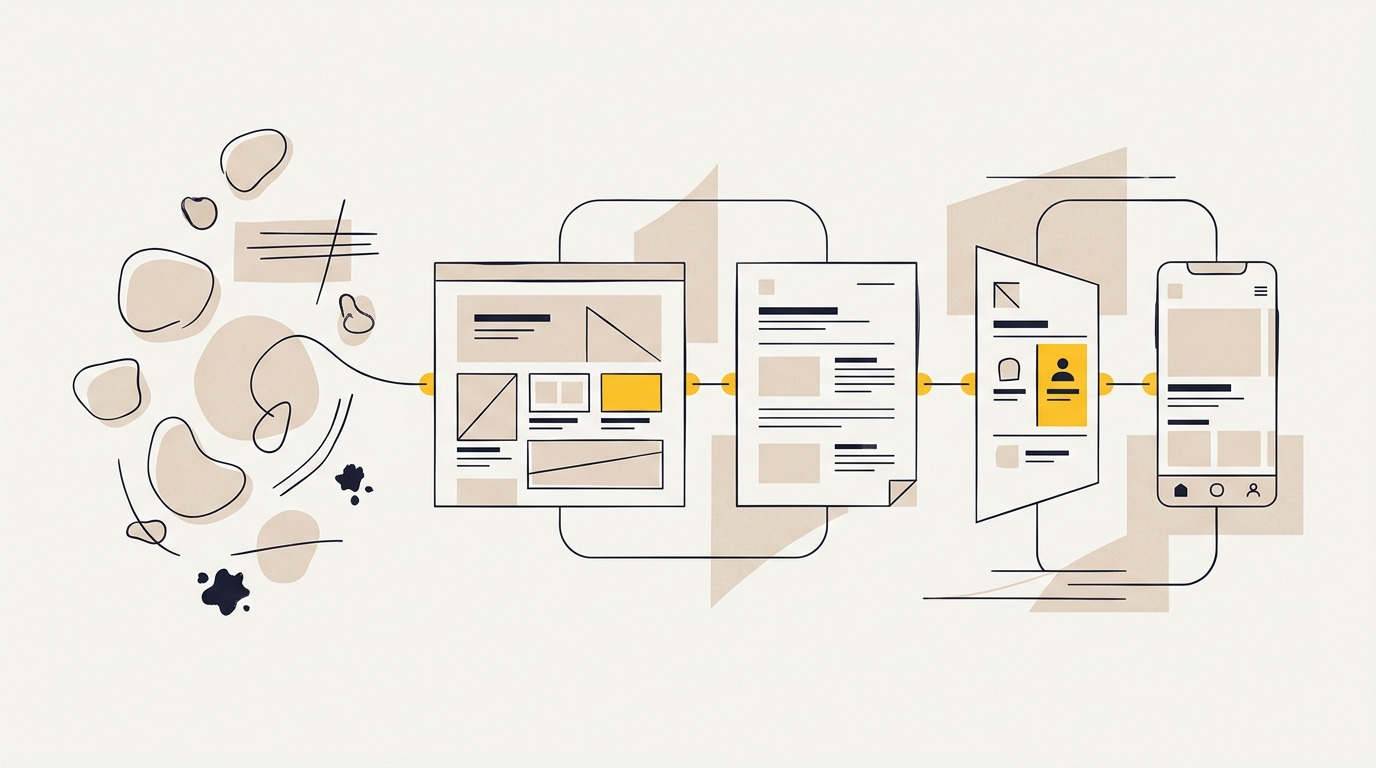
A useful way to plan ecommerce brand identity is to think of it as three connected parts: the identity system, the packaging and the product page. Each part has its own job, but a shopper experiences them as one brand.
| Part | What it needs to do | Design decisions that matter |
|---|---|---|
| Brand identity | Make the business recognisable and set expectations | Logo use, colour, typography, illustration, photography and tone |
| Packaging | Protect the product and make the physical experience feel intentional | Label hierarchy, materials, print colours, opening sequence and inserts |
| Product page | Help shoppers understand, compare and feel confident buying | Image order, scale, product details, benefits, variants and calls to action |
If the parts are aligned, the product page can introduce the same visual language that the package carries through to delivery. If they are disconnected, a shopper may wonder whether the product they receive will match what they saw online.
This is sometimes called an omnichannel identity. “Omnichannel” simply means that a brand is designed to work across several places where customers interact with it, rather than treating each place as a separate project. For a small DTC business, that could mean the online shop, social ads, retail shelves, shipping carton and email.
Start with the product and the customer, not a moodboard
A moodboard is a collection of visual references used to explore a design direction. It can be useful, but it should not be the first or only tool for making brand decisions. Begin by clarifying what the product is, who it is for, what it helps them do and what makes it meaningfully different from alternatives.
Write down answers to these questions before choosing colours or fonts:
- What does the customer need to know before they can decide?
- What is the product’s most important benefit, in plain language?
- Which competing products will appear beside it online or on a shelf?
- What does the price and quality level lead a buyer to expect?
- What must the packaging communicate at a glance?
- What proof can you show, such as ingredients, materials, reviews or demonstrations?
This is positioning: the intended place your brand occupies in a customer’s mind compared with other options. A brand that wants to feel practical and accessible will make different choices from one that wants to signal specialist expertise or luxury. Neither direction is automatically better. The right one needs to make sense for the product, customer and price.
A simple competitor review can help. Capture a set of competing product pages and packaging examples, then note repeated patterns. Are all the labels using pale neutrals? Are product photos mostly isolated against white? Is every brand leaning on the same handwritten type? The aim is not to copy what competitors do. It is to see what customers already expect and identify a distinctive direction that still makes the category clear.
Choose a visual system that can travel
A visual system is a set of repeatable design rules. It usually includes a primary logo, alternate logo versions, colours, typography, image direction, graphic elements and examples of how they are used. For ecommerce, include practical rules for both screen and print from the start.
Colour: plan for screens and physical materials
A hex code is a way to specify a colour for digital screens, such as a website. Printed colour is created differently, using inks and the surface they are printed on. As a result, a colour chosen on a bright screen may look duller on a textured or uncoated label.
That difference matters when the digital product page and the package are supposed to feel like one family. Your designer or printer can help choose a print specification and review a physical proof before the full run. A proof is a sample or test print that lets you check colour and detail before approving production. Do not assume a screenshot or a computer display is an accurate print proof.
Use colour with a job in mind. A primary colour can help identify the brand; a contrasting colour can draw attention to a variant or action. Check that important text remains readable against its background, including on a phone and on the printed label. If several flavours or product types need to be distinguished, define a clear colour-coding rule rather than giving every SKU an unrelated palette.
Typography: make information easy to scan
Typography is the design of letters and the way text is arranged. A brand might use a distinctive display typeface for a short headline and a simpler, highly readable typeface for details. The exact pairing matters less than having clear roles and enough contrast between headings, product names, benefits and supporting information.
On packaging, space is limited. On mobile, the shopper may be reading in a small viewport. In both settings, too many type styles and tiny text make it harder to find what matters. Decide which messages deserve the most visual weight, then create a hierarchy that works at the smallest practical size.
Imagery: show what the customer is actually buying
Photography and illustration shape expectations. A clean pack shot can help people see the product clearly, while lifestyle photography shows context and use. Texture close-ups, ingredient details or a short demonstration can answer questions a simple front-on image cannot.
Be consistent about lighting, backgrounds, camera angle and crop. Consistency does not mean every image must look identical; it means the images feel like they belong to the same product and brand. Make sure the imagery is also honest. A render that hides the product’s actual size or finish may create a mismatch between the online promise and the delivered item.
Logos and small details: design for real sizes
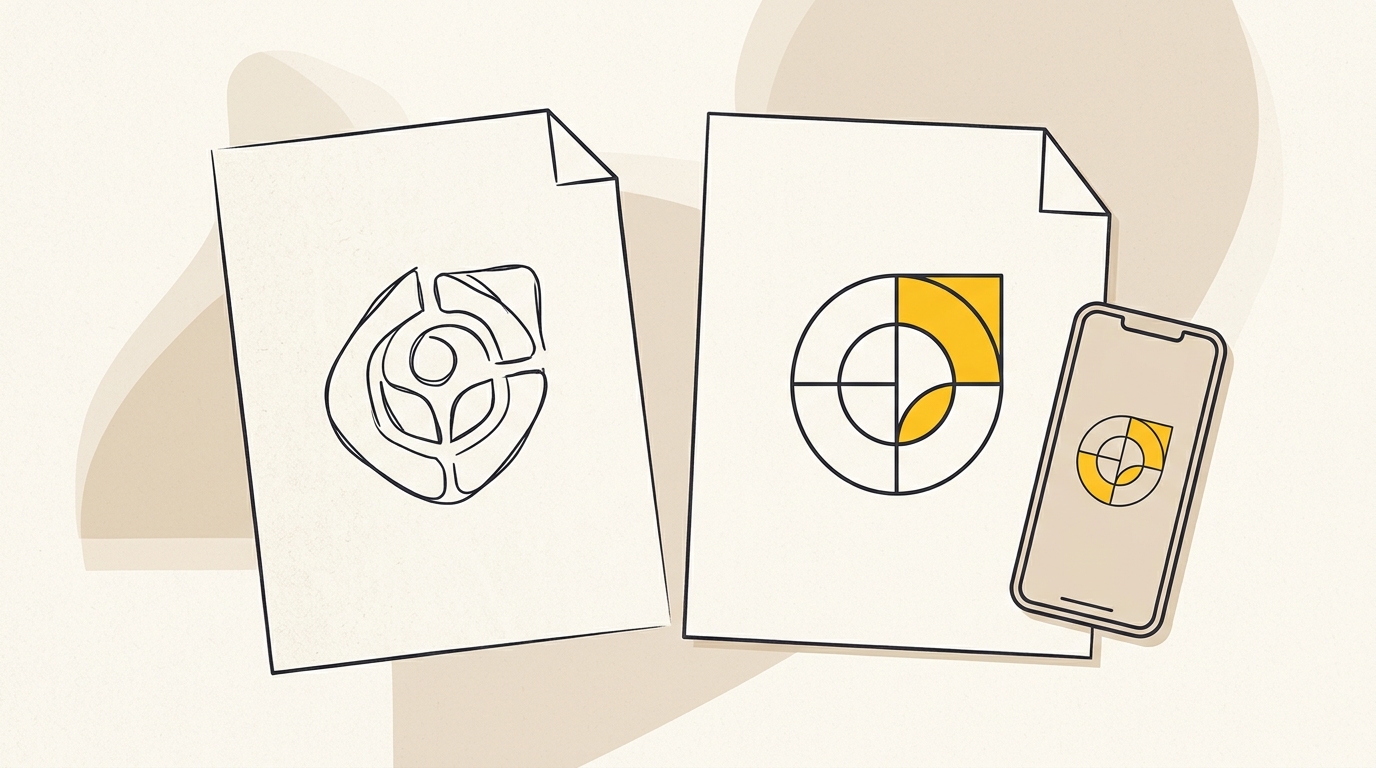
Your logo may appear on a box, a label, a favicon and a social avatar. A detailed logo that looks elegant at large size can become unreadable when reduced. Plan for a primary version and simplified alternatives where needed, and test them in the actual places they will appear.
Graphic devices such as a line illustration, border, icon or recurring shape can build recognition without forcing the logo onto every surface. Use these elements with restraint. A system becomes recognisable through thoughtful repetition, not through placing every brand asset on every available space.
Make packaging part of the brand experience
Packaging has two jobs: it must protect the product and communicate what the customer has bought. In ecommerce, it also has to survive a delivery journey that a retail box may not face. Think about the product’s fragility, shipping method, storage needs, opening experience and disposal before selecting a material or print finish.
The front label or package face needs a clear reading order. A shopper should be able to identify the brand, product category and relevant variant without searching through decorative copy. If a benefit is central to the buying decision, make it easy to find. If legal or required product information applies to your category, confirm the requirements with an appropriate specialist; a brand designer should not be treated as a substitute for regulatory advice.
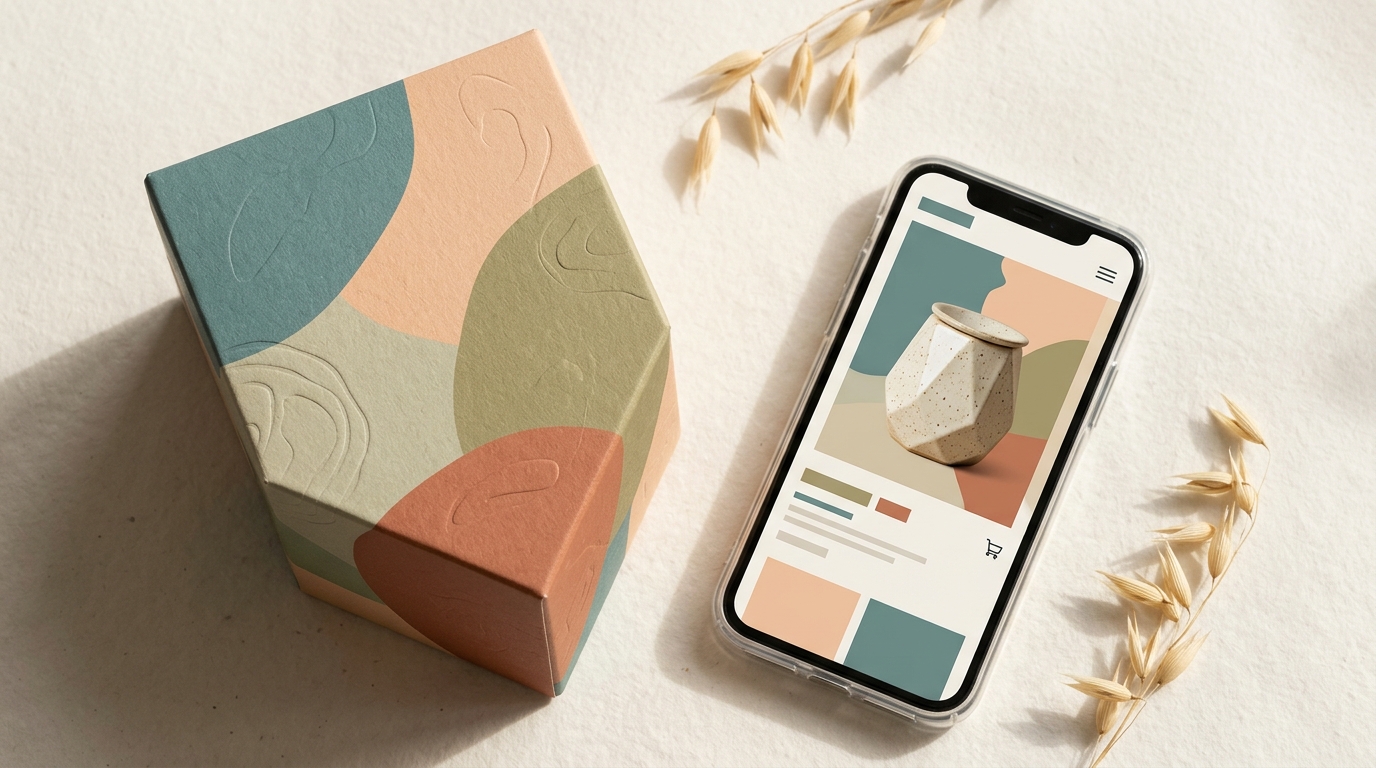
Packaging is also a moment of expectation. The colours, materials and finish should be a credible continuation of the product page, not an unrelated surprise. Before production, check the artwork on the actual dieline. A dieline is the flat template that shows where a package will be cut, folded and glued. It helps reveal whether text, logos or important visual details will land across a fold or too near an edge.
Consider the opening sequence as a small journey. What does the customer see first? Can they open the parcel without a struggle? Is the product protected without a lot of unnecessary filler? Would a simple care card or concise thank-you note be useful? Each extra item adds material, cost and handling, so include inserts because they serve a purpose, not simply because unboxing content is popular.
Research from Ipsos on packaging and purchase decisions reports that packaging design influences purchasing decisions for many consumers. That is evidence that packaging can shape choice, not a promise that a particular box will increase sales. The practical lesson is to treat packaging as part of the customer’s evaluation, while still prioritising product protection, clarity and suitability.
If you need the physical pack and the digital identity designed as one system, explore DesignFIT’s packaging design service. Bring the product specifications, printer requirements and shipping needs into the conversation early. Those constraints affect the design, and finding them late can force avoidable changes.
Design product pages to carry the identity through
A product detail page, often shortened to PDP, is the page where a shopper evaluates a specific product and can usually add it to their cart. The PDP should feel recognisably part of the brand, but it also needs to answer practical buying questions. A consistent colour palette cannot compensate for missing product details or unclear images.
Put the essentials where shoppers can find them
Above the fold means the content visible before a visitor scrolls. On a mobile product page, the available space is limited, so the first screen needs to establish what the product is and give the shopper a clear next step. Depending on the product, that may mean showing the name, price, key option, main benefit and add-to-cart button without making the layout feel cramped.
The full page should then answer the next questions in a sensible order: what is included, how it works, what it is made from, how large it is, how to use or care for it, and what delivery or returns involve. The order depends on the product. A candle may need burn time and scent notes; a skincare product may need ingredients and directions; a storage item may need measurements and capacity.
Use headings, short sections, labels and diagrams to make information easier to scan. Avoid relying on colour alone to communicate a variant or warning. Clear words and a consistent layout also help people who use assistive technology or have difficulty distinguishing certain colours.
Build a product image gallery that answers questions
A gallery is the set of images and video a shopper can explore on the product page. It is not simply a row of attractive pictures. Each image should do a different job: show the product clearly, show scale, reveal details, demonstrate use or explain what comes in the box.
Baymard Institute’s product-page research says that 56% of users begin by exploring product images. That finding is a strong reason to treat the gallery as core product information. Put the most useful view first, then arrange the remaining images so they answer likely objections rather than repeat the same angle.
Show at least one clear view of the product in context. Baymard’s research on in-scale product images describes how shoppers use images to judge a product’s physical size. Add an object, hand or setting that gives a believable sense of scale, and include dimensions in text as well. A photo helps form an impression; measurements make that impression more precise.
Let shoppers inspect the product. Baymard has documented usability issues where mobile sites fail to support familiar image gestures. Check that images are sharp enough to inspect and that the gallery works with the way people use their phones. Test zoom, swipe, thumbnails and video controls on real devices, not just in a desktop preview.
Keep the ad, page and package in visual agreement
Paid social ads, search ads, influencer content and product pages can all introduce a product. If the ad uses one image style, colour mood and promise, but the landing page looks like a different business, the shopper has to re-evaluate what they clicked. This does not mean every asset should be identical. It means the transition should feel deliberate.
Use the same product name, variant language and core visual cues across the ad and PDP. Make sure the product shown in the ad matches the option a shopper lands on. If the ad promises a specific use or benefit, show that benefit clearly on the page, and provide the detail needed to assess it. The package should continue the same story when it arrives.
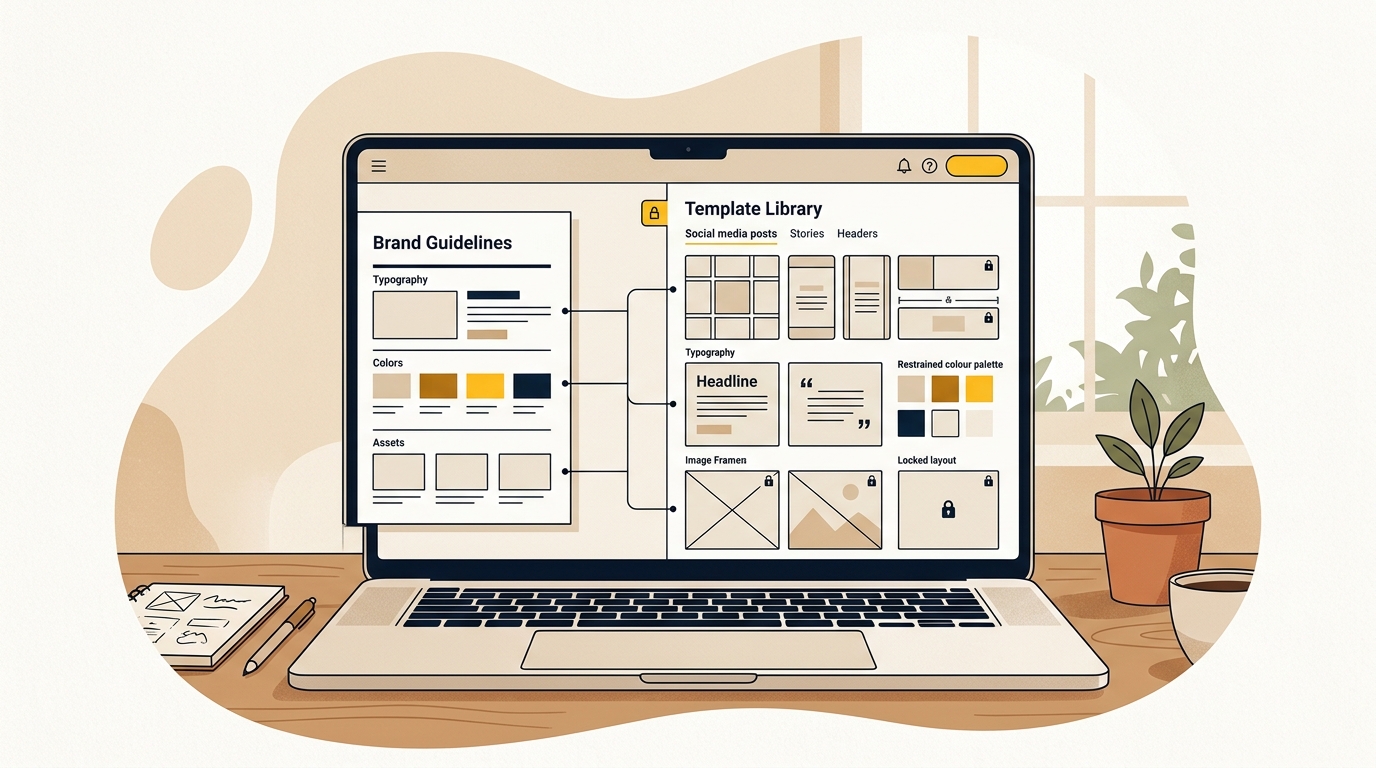
A brand’s style guide can help keep these choices consistent as more people make assets. A useful guide includes examples and practical rules, not just colour swatches: which logo to use, how product photos should be framed, how variants are named, and how to lay out a mobile product page.
A real example: what Graza’s design makes clear
Graza is a useful public example of packaging and ecommerce design working together. Its olive oil packaging uses a squeezable bottle and bold, playful visual language that stands apart from more traditional olive oil bottles. The choice of bottle is not merely an illustration style; it changes how the product is handled and helps communicate an everyday, practical use.
The BP&O review of Graza’s branding and packaging discusses the distinctive packaging approach. Its value as an example is the connection between product format, visual identity and category expectations. The lesson for a new brand is not to imitate the bright colours or playful tone. It is to look for a design decision that makes sense for your product and makes its difference easy to understand.
Before using an example like this as a model, ask what is transferable. A squeeze bottle may suit olive oil, but not every product. A strong visual contrast may help a brand stand out, but it still needs to fit the product’s audience and price. Design is most effective when the distinctive idea is supported by practical product details and a coherent buying experience.
How to build an identity without spending on everything at once
New brands often have to balance identity work with product development, inventory and marketing. You do not need to print a fully custom box for every order to create a coherent experience. Start with the pieces customers notice and the decisions that are hard or expensive to change later.
A practical sequence is:
- Set the product story. Define the audience, product benefit, category and proof. Keep the core message short enough to appear consistently on packaging, ads and the PDP.
- Create the identity foundation. Develop the logo system, typography, colour rules and image direction. Test the identity on actual mock-ups of a label, mobile page and shipping material.
- Design the product page and package together. Agree on product naming, benefit hierarchy, variant colours and essential information before either goes to production.
- Choose a packaging approach that fits your stage. A stock mailer with a designed label or insert can be a sensible starting point. Custom printing may make more sense when volumes, margins and operational needs support it.
- Test with real people and real materials. Show the page and package to people who fit the intended customer. Ask them what the product is, who it seems for, what they expect it to cost and what remains unclear.
- Review after launch. Use customer questions, returns, analytics and feedback to find problems. Change the element that is causing confusion rather than refreshing the entire identity by instinct.
A stock-plus-custom approach means using a standard packaging format and adding selected branded elements, such as a label, tape or insert. It can help a new business establish a recognisable experience without committing to a large custom print run. Compare the total cost per shipped order, not only the price of the box. Include print setup, assembly time, storage, shipping weight, damage risk and minimum order quantities.
A minimum order quantity (MOQ) is the smallest quantity a supplier will produce in one order. A lower unit price at a high MOQ may still be a poor fit if it ties up cash in packaging you cannot use or store. Ask suppliers about samples, production tolerances, lead times, reorders and what happens if a print proof differs from the final run.
What does ecommerce brand identity cost?
There is no dependable single price for ecommerce brand identity because the scope varies. A logo-only job, a full identity with packaging and a Shopify product-page design are different projects. The number of products, packaging formats, revision process, print preparation and need for strategy all affect the work.
Request a proposal that names the deliverables. For example, does it include positioning, primary and secondary logos, print-ready packaging artwork, web colour values, a product-page design, image direction and guidelines? Does packaging include a dieline, or is that supplied by the manufacturer? Are product photography and copywriting included, or are they separate? Clear answers make proposals easier to compare.
For planning, separate design costs from production costs. Design is the work of deciding and preparing the system. Production is what you pay to print, manufacture, assemble and ship the physical materials. A design fee does not usually include the printer’s production bill, and a logo file alone does not mean packaging artwork is ready for manufacture.
You can also phase the project. First, create the identity foundation and the main product page. Next, develop the packaging needed for launch. Later, extend the system to new SKUs, retail packaging, email and campaign assets. The important thing is to define the underlying rules early, so the next phase builds on the first rather than starting from scratch.
Review DesignFIT’s brand identity service alongside the ecommerce design work that informs your brief. A good scope should reflect the number of touchpoints you need and the decisions that matter most to your launch, not a generic bundle of deliverables.
How to tell whether the design is working
A design system is not successful just because the team likes the moodboard. Before launch, write down what the design needs to help customers do. That might be recognising a particular product family, understanding differences between variants, finding measurements quickly or knowing how to use the product.
After launch, review evidence that relates to those tasks. Website analytics can show whether people reach key sections or add products to their cart, but they cannot explain every reason behind a change. Combine analytics with customer service questions, product reviews, return reasons and short usability conversations. Look at the whole path: the ad that brought someone in, the page they saw and the product they received.
Brand consistency research from Marq’s benchmark study on brand consistency associates consistent presentation with business performance. Treat such reports as a reason to take consistency seriously, not as a guarantee that a new colour palette will deliver a set revenue increase. The useful operational question is whether your team can apply the identity correctly and whether customers understand the product more easily as a result.
Keep a simple list of observations:
- Which product or variant questions appear repeatedly?
- Do customers misunderstand size, quantity or what is included?
- Do product images answer the questions people ask before buying?
- Do ads and landing pages present the same offer and product version?
- Do the received product and packaging match the images and expectations set online?
- Which brand assets are difficult for your team or suppliers to use consistently?
Change one meaningful thing at a time where possible. If shoppers cannot tell variants apart, improve the variant labels and visual cues. If the product feels smaller than expected, strengthen scale imagery and measurements. If customers cannot find the main benefit, revise the page hierarchy. This makes it easier to learn what helped instead of changing the whole design and guessing.
A launch checklist for a connected brand
Use this checklist before approving your identity, product page or packaging:
- The product and intended customer are clear in one plain-language sentence.
- The identity stands apart from close competitors without obscuring the product category.
- Logo versions work at small digital sizes and on the intended packaging surfaces.
- Digital colours and print colours have been checked using suitable proofs.
- Typography remains legible on a phone and at the actual label size.
- Product names, variants and key benefits use the same wording across ads, pages and packaging.
- The first product-page screen gives a clear view of the product and a sensible next action.
- The image gallery shows the product, its scale, important details and use where relevant.
- Mobile image zoom and gallery controls have been tested on real devices.
- Packaging protects the product and is practical to store, pack and ship.
- Artwork has been checked against the supplier’s dieline and production specifications.
- The identity guide gives staff, contractors and suppliers examples they can follow.
- You have a way to review customer questions, returns and site behaviour after launch.
Common mistakes that weaken an ecommerce identity
Treating the logo as the whole brand. A logo cannot make a confusing product page clear or tell a printer how to reproduce colours. Build the wider identity rules that connect the touchpoints.
Designing the package after the website is finished. This can create different product names, benefit hierarchies and colour choices. Plan the label and PDP together, even if they are produced at different times.
Choosing visual trends before understanding the customer. A fashionable typeface or colour may look current but still send the wrong signal for the category, audience or price. Use trends as inspiration, not as a substitute for positioning.
Showing only polished renders. A render is useful for presentation, but it may not show scale, material texture or the real product finish. Include accurate photography and specific product information as soon as you can.
Overloading the pack or page with messages. More claims do not always create more confidence. Prioritise the information that helps a shopper decide, and make secondary details easy to find without competing with the main message.
Printing before checking production details. A design that looks correct on screen can fail on a fold, label edge or uncoated surface. Review the dieline and physical proof with the supplier before approving the full run.
The takeaway
Ecommerce brand identity is strongest when the brand, package and product page act like parts of one system. Give each design choice a job: make the product recognisable, explain its value, show it honestly and carry a consistent expectation from first impression to delivery. Start with the customer’s questions, design the identity around those answers and test the details in their real context.
If you are launching or refreshing a product brand, talk to DesignFIT about building an identity that works across your store and packaging.
Key takeaway
Design your identity, packaging and product page as one connected system so customers can recognise the brand, understand the product and know what to expect.
Questions people ask
What makes a strong ecommerce brand identity?
A strong ecommerce brand identity is recognisable, suited to its audience and consistent across the product page, packaging and marketing. It also makes practical information easy to find, from the product name and variant to its size and use.
Should a new ecommerce brand use custom packaging?
Not always. A stock mailer with a well-designed label, tape or insert can create a coherent brand experience while keeping production decisions flexible. Compare total costs, minimum quantities, storage and shipping needs before choosing.
What should an ecommerce brand style guide include?
Include logo versions, colour and typography rules, image direction, product naming conventions and examples for packaging and product pages. Practical examples help staff and suppliers apply the identity consistently.
How do I make my packaging match my website?
Plan the product names, benefit hierarchy, variant colours and imagery together across both. Check printed samples against the digital design, because screen colours and print colours can differ.
How much does ecommerce brand identity design cost?
The cost depends on the scope, such as whether you need positioning, a logo system, packaging artwork, product-page design or guidelines. Ask for itemised deliverables and clarify whether printing, photography, copywriting and production are included.