Claude for Designers: How We Use It, and Where We Don't
Claude can help a design team move faster, but people still need to make the decisions that make a brand and website work.
On this page
- First, what is Claude?
- What a design studio is actually deciding
- Where we use Claude in a design project
- A practical example: from brief to a page decision
- Where we do not ask Claude to make the call
- How we protect client information
- How we keep Claude’s output from becoming generic
- What this means if you are hiring a design studio
- The short answer: Claude speeds up tasks, people shape the work
Claude for designers is most useful as an assistant for research, first drafts, content checks and quick prototypes. It can help us explore options faster, but it cannot decide what makes your business distinct or which design choice will earn a customer’s trust. That is why our approach to design at DesignFIT puts human judgement and business goals at the centre of the work.
This is an honest look at where Claude can help in a design studio, where we keep it away from the final decision, and how we protect your information. The short version: we use it to accelerate parts of the process, not to replace the people responsible for the result.
First, what is Claude?
Claude is an AI assistant made by Anthropic. You can give it instructions and information, then ask it to write, summarise, compare or help with certain technical tasks. As detailed in the Claude models overview, it generates responses from patterns learned during training and the context you provide. It does not understand your business in the way you, your customers or an experienced designer do.
That distinction matters. Claude can suggest a page structure based on your brief. It cannot know, without evidence, whether your best customers care more about a fast turnaround, a specialist service or the reassurance of speaking to a real person. It can help us examine the question. People still need to find out what is true and decide what to do with it.
A prompt is the instruction and information you give an AI tool. A prompt such as “write a homepage” leaves a lot to guess. A useful prompt explains the audience, offer, evidence, desired action and restrictions. Even then, the answer is a draft to inspect, not an automatically correct solution.
The best way to think about Claude in a studio is as an accelerator for parts of the work. It can reduce repetitive effort and make it quicker to test an idea. It does not take responsibility for the design decision or the business outcome.
What a design studio is actually deciding
A website is not just a collection of attractive screens. Its layout, wording, navigation, visual hierarchy and interactions guide a person towards an action. A designer has to decide what the visitor needs to understand, what to show first, how to make the next step obvious and what evidence will make the offer credible.
Visual hierarchy is the order in which a design makes information noticeable. Size, position, contrast, spacing and typography all affect what a visitor sees first. If a business’s most valuable service is buried under a generic welcome message, the page may look polished but fail to communicate what matters.
Conversion means a visitor completing a useful action, such as making an enquiry, booking an appointment or buying a product. A conversion is not guaranteed by a particular colour, button or layout. It depends on the match between the visitor’s need, the offer, the information on the page and how easy it is to act.
This is the design work we want AI to support. Claude can help us develop and compare options, but a designer has to weigh those options against the business, the audience, the evidence and the rest of the brand. Our brand identity service is built around those choices, not around producing a logo or screen in isolation.
Where we use Claude in a design project
1. To organise research and surface useful questions
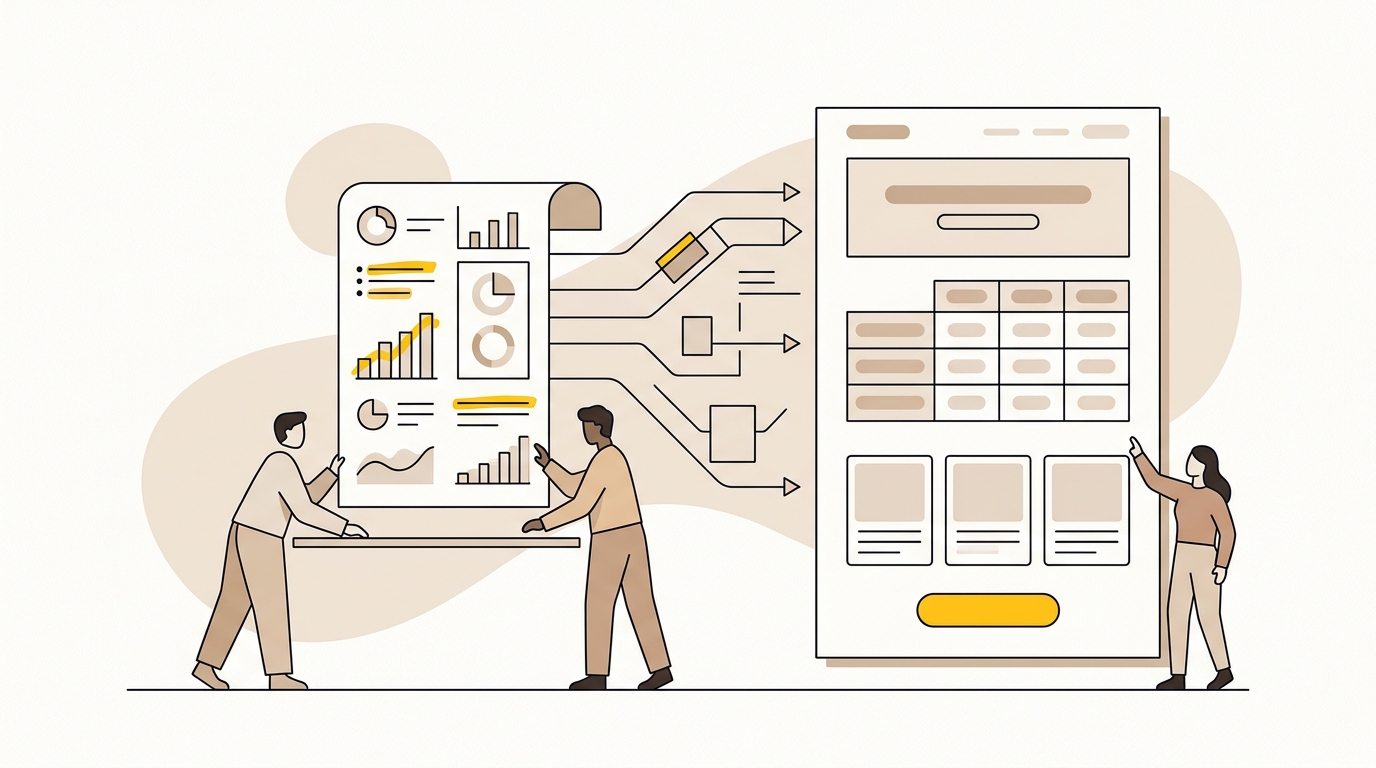
A project can involve interview notes, customer emails, sales conversations, review comments, analytics reports and competitor examples. Taken together, these can reveal the words customers use, the concerns they raise and where the existing experience is unclear. Reading and comparing them takes time, especially when information is spread across files.
Claude can help us sort material into themes, pull out repeated questions and identify statements that deserve a closer look. For example, if several customers ask whether a service is suitable for a small team, that may point to a gap in the current explanation. The design question is not automatically “add a new section”. It might be “make the intended customer clearer near the top of the page” or “show a relevant example before asking for an enquiry”.
A research synthesis is the process of organising observations from research into patterns that can inform decisions. AI can assist with the sorting, but it can also miss context, merge different viewpoints or make a weak pattern sound important. We check suggested themes against the original material and distinguish a direct customer statement from the tool’s interpretation.
We also avoid treating a collection of AI-generated personas as a substitute for speaking to real customers. A persona is a research-based description of a type of customer, including their needs, behaviours and decision context. A made-up profile may sound plausible while reflecting the assumptions in the prompt rather than the real audience. Nielsen Norman Group’s guide to using AI for UX work discusses the role and limits of AI in user experience work. Its article on UX-context design is a useful reminder that context shapes whether a generated design is appropriate.
2. To draft realistic interface copy before layout is final
Placeholder text is often called Lorem Ipsum. It is dummy text used to fill a layout before real wording is ready. The trouble is that placeholder text hides design problems. A heading that looks balanced with meaningless filler may be too long when the actual service description arrives. A button might be too vague to tell someone what happens next.
Claude can help us draft early versions of short interface copy, often called microcopy. Microcopy includes button labels, form instructions, short explanations, error messages and small pieces of reassurance near a decision. We give it the audience, the offer, the tone and the purpose of the text. We may ask it to produce several concise alternatives, then review them for clarity, accuracy and length.
Imagine a fictional clinic whose booking form asks a new patient to choose a service. “Submit” is a technically clear button label, but it does not explain what happens after the click. “Request an appointment” may set a more accurate expectation if the clinic confirms bookings later. Claude can propose labels. The clinic and design team still need to confirm how the booking process actually works.
Real copy helps us design around real constraints. We can see whether a heading wraps onto an awkward line, whether a label is understandable on a small screen and whether the user gets enough information before making a choice. That can make the design review more useful because people are assessing something closer to the final experience.
AI-generated wording still needs fact-checking and editing. It may make a claim the business cannot substantiate, use a phrase that sounds unlike the brand or remove a qualification that matters. We do not use a fluent sentence as proof that the sentence is true.
3. To explore page structures and content order
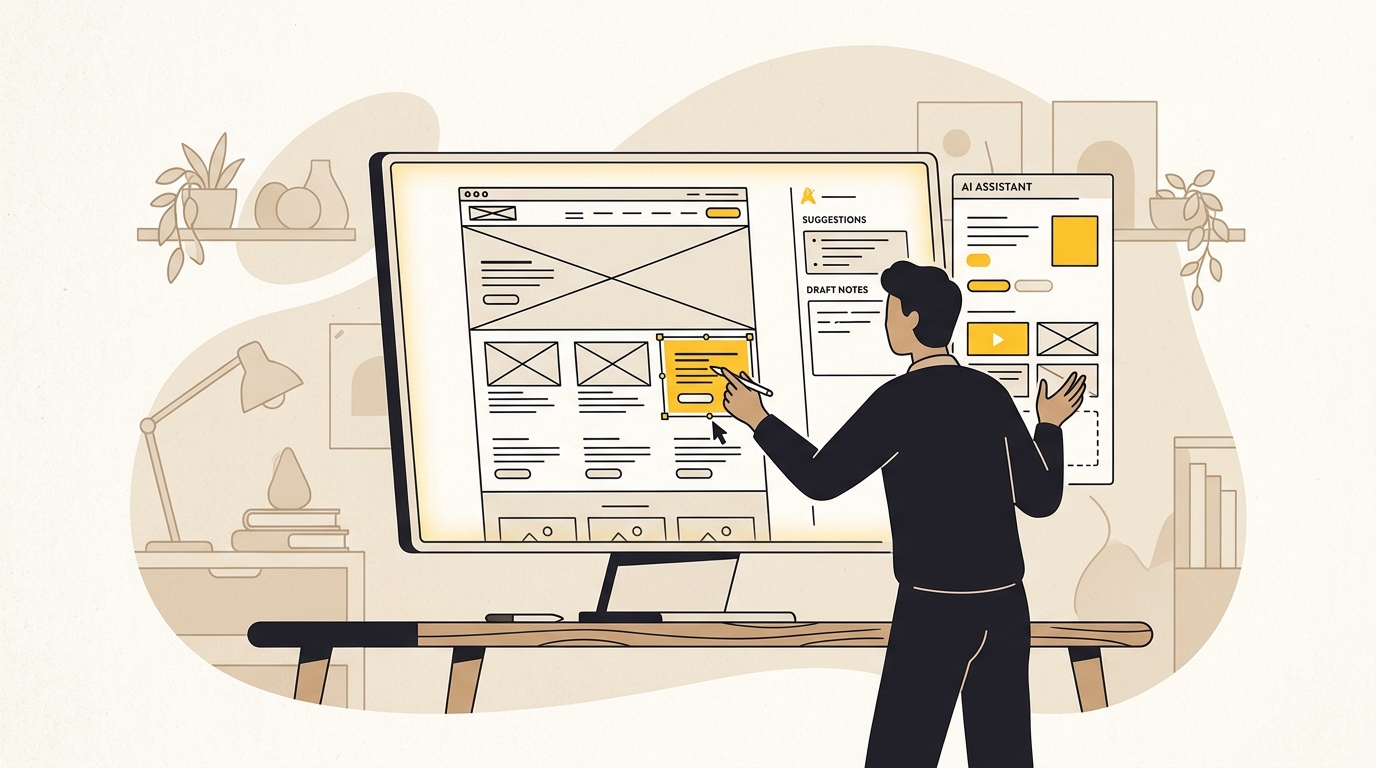
A wireframe is a simple plan for a page. It shows the placement and order of content and controls without relying on finished colours, photography or detailed visual styling. Wireframes help a team ask whether the information is in the right order before spending time polishing the appearance.
Claude can help us produce a first-pass list of sections for a page or compare possible ways to organise information. For a fictional trades business, it might suggest introducing the service area, explaining the type of work offered, showing proof of experience, answering common questions and making it easy to request a quote. That is a starting point, not a template we paste into every project.
The designer’s task is to choose what deserves emphasis. If the business mainly wants high-value commercial work, a page that gives equal weight to every small service may attract the wrong enquiries. If a customer must understand a limitation before booking, that information should not be hidden at the bottom simply because a generic page outline puts FAQs last.
We compare possible structures against the goals of the project. What do we know about the audience? What questions do customers ask before committing? What does the business most need to sell? Which evidence can support its claims? Those answers affect the visual hierarchy, the amount of explanation and the placement of calls to action.
4. To prototype an interaction quickly
A prototype is a model of a product or interface that lets people explore an idea before it is fully built. It might be a clickable design file, a simple web page or a working version of a particular interaction. Prototypes help a team test an assumption without committing to a complete production build.
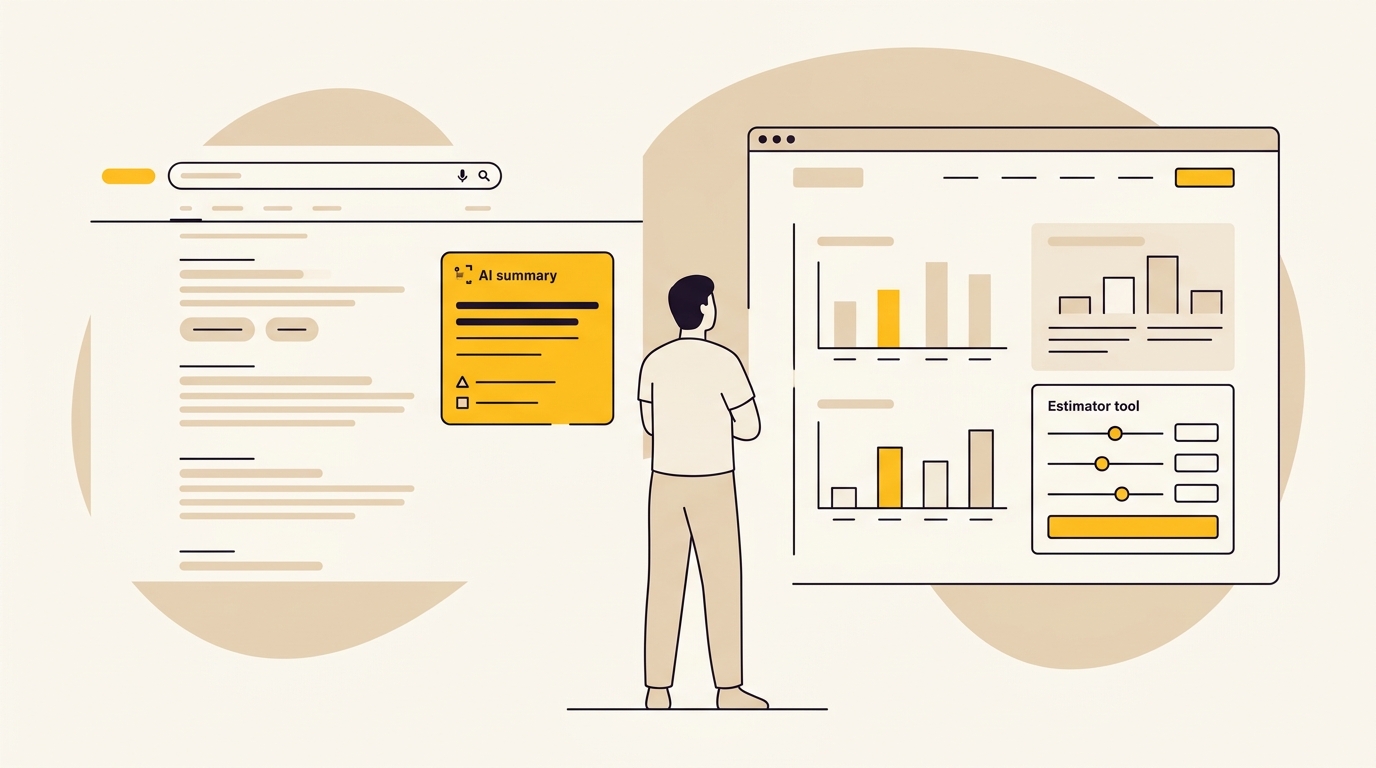
Claude can help create a rough interactive demonstration from a clear brief. We might use it to explore how a multi-step booking flow could behave, how a filter menu could open, or what information a simple calculator would need. In some Claude interfaces, generated code can be shown as an interactive artefact. The available capabilities change, so check Anthropic's current Claude plans and features before relying on a particular tool or workflow.
The value is not that AI can produce a finished interface in seconds. It is that a team can sometimes test the logic of an idea before investing in detailed visual design. For example, a booking prototype may reveal that customers need to choose a location before they can select a time. That is a useful discovery even if the prototype’s styling is rough and its code is not suitable for launch.
A prototype is not the same as a finished website. It may not account for accessibility, all device sizes, edge cases, privacy requirements, search performance or how the site connects to other systems. Developers and designers must check those details before anything goes live. Our website design service considers the full experience, from structure and interaction to the design that customers actually use.
5. To check design tokens and repetitive implementation details
A design system is a set of shared rules and components that help keep a brand and its digital products consistent. It might define colours, type styles, spacing, buttons, form fields and how these elements behave. Design tokens are named values for those rules, such as a colour stored as “brand primary” rather than repeated as a raw colour code throughout a project.
When a designer or developer needs to translate a small set of agreed values into a code format, Claude can help prepare a draft. That might include formatting colour values, naming spacing variables or organising repeated styles. It can save some manual copying, but generated output still needs checking against the approved source.
A token name is not a design decision. Choosing an accessible colour combination, deciding how much space a section needs and setting a clear type scale require consideration of context and use. A colour may be on-brand but difficult to read as small text. A responsive type size may fit a wide screen but become cramped on a phone. The code can represent the decision, but it cannot make the decision reliable by itself.
We also check what a tool has produced instead of assuming it is correct because it looks tidy. A misplaced value can create inconsistencies across many pages. The approved design system remains the reference, and the implementation must be tested in the actual website.
A practical example: from brief to a page decision
Consider a fictional online retailer preparing a product page for a new range of reusable drink bottles. The business has a short brief, product specifications, customer reviews and a set of existing brand guidelines. It wants customers to understand the product and choose the right size.
First, we identify the decisions the page needs to support. What is different about the product? Which specifications affect a purchase? What questions do customers ask about cleaning, material or delivery? Does the customer need to compare sizes? Those questions come from the business information and customer evidence, not from the AI’s preferred page template.
Next, we can use Claude to help sort the reviews into themes and draft candidate headings or short descriptions. We check any suggested statements against the product details. If a draft says the bottle “keeps drinks cold all day”, for example, we need evidence for that claim before it can be used. The model’s wording does not count as product evidence.
Then we make the design choices. If size selection is a frequent point of uncertainty, it may deserve a clear comparison near the purchase controls. If delivery timing affects the decision, it should be visible before the customer reaches checkout. Product photography should show the relevant details, not just create atmosphere. The button label should accurately describe the action.
A quick prototype might help the team test how the size comparison behaves on a phone. But we still check whether the text is readable, whether the selection is clear, whether the chosen option remains visible and what happens if the customer changes their mind. The final page needs to work as an experience, not just look complete in a preview.
This is how AI can contribute without taking over: it helps us process information and make a rough version to inspect. Designers connect that work to customer needs and business priorities, then refine the layout, hierarchy and interactions.
Where we do not ask Claude to make the call
Brand identity and visual direction
A brand is more than its logo. It is the set of ideas, visual choices and experiences that shape how people recognise and understand a business. Visual direction is the considered approach to how the brand should look and feel, including typography, colour, imagery, graphic language and the way these elements work together.
Claude can help us organise a brand brief or describe possible directions in words. It can help a team compare what different references communicate. But a list of plausible adjectives is not a distinctive identity. Human designers have to interpret the business, its audience, its category and the qualities it wants to own.
A design that follows familiar category conventions may feel safe, but it can also make a business difficult to distinguish from its competitors. Going in the opposite direction just to be different is not automatically better. The design needs to express something true about the business and make sense to the people it needs to reach.
We do not hand over the final call on a logo, type pairing, colour system or visual concept to Claude. We use human judgement to decide whether an identity is memorable, appropriate and usable across the places the brand needs to appear. That includes the small sizes and practical formats where a logo or graphic may need to work. The brand identity service is where strategy and visual design meet, rather than where an AI-generated image becomes a brand by default.
The final information hierarchy
Claude can suggest that a homepage include a headline, service list, testimonials and a contact button. That does not tell us what should be most prominent for a specific business. The right order depends on the customer’s questions, the strength of the offer, the proof available and the action the page needs to support.
A call to action, often shortened to CTA, is a prompt that asks someone to take a next step. “Book a consultation”, “View the menu” and “Get a quote” are all CTAs, but they describe different actions and create different expectations. The right CTA depends on what the business can deliver and how ready the visitor is to act.
We decide what to emphasise by looking at the business and the evidence, not by accepting a default layout. If a page has three competing primary buttons, the visitor may not know where to start. If the main service is hidden among secondary details, the design may be sending the wrong signal. Claude can raise possible options, but it cannot take responsibility for prioritising the offer.
Production code and live deployment
Production code is the code used in the live product or website, rather than a rough prototype. A working prototype can still contain errors, have accessibility problems or fail to perform well on the real site. An interface that appears correct in one preview may behave differently across browsers, screen sizes or user inputs.
Claude can help with code drafts and explanations. It does not remove the need for a developer to review the code, test the interaction and check how it fits the wider site. People need to assess semantic structure, keyboard access, form behaviour, loading and integration with the tools the business already uses.
Semantic HTML is markup that describes the purpose of page content, such as a heading, navigation area, button or form. It helps browsers and assistive technologies interpret a page. Accessibility means designing and building so that people with different abilities can use the experience. A component that looks fine on screen can still be difficult to use with a keyboard or assistive technology.
We also consider search and performance as part of the finished experience. A website should be organised so people and search systems can understand its content, and it should not carry unnecessary technical weight. Those are implementation and quality-control responsibilities, not outcomes we assume a code-generating tool has handled.
Whether a design will work in the real world
AI can suggest a variation, but it cannot establish that the variation will perform better without an appropriate test and reliable evidence. A more prominent button might help some visitors, or it might distract from information they need first. A shorter headline might be easier to scan, or it might remove the detail that made the offer clear.
A hypothesis is a testable explanation of what might improve an experience and why. For example: “If we explain who this service is for before listing features, more of the right visitors will understand whether it applies to them.” That is a hypothesis, not a fact. It needs to be assessed against customer feedback or relevant behaviour data.
Claude can help us express a hypothesis clearly or list questions to investigate. It cannot provide the missing customer evidence by confidently predicting an outcome. We make design choices based on the information available and remain open to revising them when the real experience shows us something different.
How we protect client information
It is reasonable to ask whether project information is safe when an AI tool is involved. “AI” is not a single privacy arrangement. The applicable settings and terms can depend on the product, account type and the way the tool is used. A studio should not assume that every Claude account treats submitted information in the same way.
Anthropic explains its approach in its model-training and privacy documentation. Its Claude Team plan documentation describes the Team offering. Legal analyses of Anthropic's updated Claude terms also clarify how commercial data protections differ across plans. We check the current terms and settings for the workspace in use rather than relying on an old summary or assuming that a particular plan name answers every privacy question.
In practice, good handling starts before anyone pastes content into a tool. We ask what information is needed for the task, whether the client has approved its use and whether personal or commercially sensitive details can be removed. Data minimisation means using only the information required for a task, rather than sending an entire folder or dataset because it is convenient.
A safe workflow also includes limits. Not every project document needs to be shared with an AI system. We do not treat a tool’s answer as confidential advice, a verified fact or permission to reuse client material elsewhere. If a task involves information that should not be provided to the available tool, the responsible choice is to leave it out or use a different process.
If you are commissioning a project, it is fair to ask your design partner which tools they use, what information they share and what workspace terms apply. A clear answer should explain the process in plain language. It should not rely on a vague promise that “AI is secure”.
How we keep Claude’s output from becoming generic
AI-generated work can sound polished while being interchangeable. The answer often reflects the prompt and the common patterns in its training, so a broad instruction tends to produce broad results. “Create a modern homepage for a friendly business” gives little reason for the result to feel specific to your business.
We reduce that risk by making the question more precise and giving the tool useful context. That might include the project goal, the intended audience, approved brand language, confirmed facts, content constraints and what the output will be used for. We also ask it to identify assumptions or uncertainties rather than silently filling every gap with confident-sounding guesses.
Then we edit and reject. We check whether the response is accurate, whether it reflects the brand, whether it helps the customer and whether it adds anything distinctive. If several ideas could suit any business in the category, they are not yet a design direction. We go back to the brief, research and business priorities.
The standard is not “did Claude make something?” The standard is “does this help us make a better decision?” If the answer is no, we do not keep the output just because it took little time to produce.
What this means if you are hiring a design studio
You do not need to be for or against AI to make a good decision about a design project. Ask how the studio uses tools, where a person reviews the work and how the team protects your information. The answers should connect AI use to the actual work, not to impressive-sounding claims about automation.
Useful questions include:
- Which parts of the project might involve AI assistance?
- What information would you put into the tool, and what would you leave out?
- Who checks AI-generated copy, research summaries or code?
- How do you decide the page hierarchy and visual direction?
- What evidence will inform the design, and how will you handle gaps in that evidence?
- Is a prototype being presented as a rough test or as production-ready work?
Look for a studio that can explain the reasoning behind its recommendations. If the main explanation for a design choice is “the AI suggested it”, ask what customer or business need that choice serves. The tool can be part of the process, but it should not be used to avoid a conversation about goals, trade-offs and accountability.
If you are considering a new identity or a website, start with the business problem you need the design to solve. Is the offer hard to understand? Does the brand feel inconsistent? Are the right customers finding it difficult to enquire or buy? A clear problem gives the studio something useful to investigate before anyone chooses a layout or tool.
The short answer: Claude speeds up tasks, people shape the work
Claude can help designers organise research, draft early microcopy, explore a page structure, prototype an interaction and prepare repetitive technical material. Those uses can help a team get to a useful discussion sooner. They are most valuable when the brief is clear, the context is checked and the output is reviewed.
Claude should not decide what your business stands for, which customers matter most, what needs to be prominent or whether a finished design is accessible, accurate and fit for launch. Those decisions need human understanding of the business, careful design judgement and real checks against the needs of the people using the experience.
That is the distinction we keep: AI can help with the work around a design decision, but people remain responsible for the decision itself. To see how DesignFIT approaches projects, read about our studio and how we work, review our clear pricing, or explore our brand identity work if you are planning a new or refreshed brand.
Key takeaway
Claude can help a design team move faster, but people must decide what the design means, who it serves and whether it works.
Questions people ask
Can Claude design a website?
Claude can help draft page content, suggest a structure and create rough interactive prototypes, depending on the tools available. A finished website still needs designers and developers to make decisions about the brand, hierarchy, accessibility, performance and real customer needs.
Is Claude better than ChatGPT for web designers?
There is no single best tool for every design task, and features change over time. Compare them using the actual work you need to do, the quality of their output, the tools your team uses and the privacy terms that apply to your account.
How do design studios use AI without losing quality?
They set clear boundaries: use AI for assistance with suitable tasks, check its output against source material and keep people accountable for the final decisions. Quality depends on the brief, evidence, design judgement and review, not on using or avoiding a particular tool.
Is my client data safe when using Claude?
It depends on the product, account settings and current terms, so do not assume that every account handles data in the same way. Check Anthropic’s current privacy information and your workspace terms, minimise what you share and leave sensitive information out unless its use has been approved.
Will Claude replace UI and UX designers?
Claude can assist with drafts, summaries and prototypes, but it does not take responsibility for understanding a business or choosing what matters to its customers. Designers still need to interpret evidence, define the experience, make trade-offs and test whether the result works.