Free AI Visibility Report: What It Shows and How to Read It
A practical guide to understanding your report and choosing the first changes that can make your business easier for AI search to find and recommend.
On this page
- Before you read your free AI visibility report
- Step 1: Read the overall score as a signpost, not a grade
- Step 2: Separate mentions, citations and useful recommendations
- Step 3: Check the prompts and platforms one by one
- Step 4: Inspect the cited sources and the missing pages
- Step 5: Read the technical checks before editing robots.txt
- Step 6: Understand extractability, headings and schema
- Step 7: Review sentiment, business details and competitors
- The first three actions to take after your report
- Mistakes to avoid when reading an AI visibility report
- A checklist for your next review
- What your free AI visibility report can and cannot tell you
A free AI visibility report shows whether selected AI search tools mention or cite your business for a set of questions, and may flag issues with your website or brand information. It is a useful starting point, not a final verdict on your marketing. Read the score alongside the prompts, sources and method behind it, then choose a small number of changes that improve both the page design and the information it communicates. If you have not run one yet, start with DesignFIT’s free AI search audit.
The most useful question is not simply, “What score did I get?” Ask: “For which customer question am I missing, what evidence does the report give, and what should I improve first?” This guide takes you through the main parts of a typical report, how to check whether its findings are meaningful, and three practical actions to take.
Before you read your free AI visibility report
An AI visibility report is a snapshot of how a business appears in selected AI-generated answers and how prepared its web content may be for discovery. Different tools test different prompts, platforms and technical signals, so there is no single universal score or standard report layout. Treat the report’s own explanation of its method as essential reading.
Before changing your website, gather a few basics. You do not need to be technical, but you do need to know what the report tested and what a good result would look like for your business.
Collect these details first
- The date of the report. AI answers and the pages they draw on can change. Save the date so you can compare later without mistaking a new snapshot for a long-term trend.
- The platforms tested. Check whether the report tested ChatGPT, Perplexity, Google AI Overviews, Gemini, Claude or another service. A result from one platform does not establish what every other one will do.
- The prompts or queries. Read the exact questions, not just the summary. “Best accountant in Sydney” and “accountant for a new restaurant in Sydney” express different needs and may produce different recommendations.
- The locations and audience assumptions. A local clinic, a national software company and an online shop should not expect the same questions or competitors to matter.
- The report’s definitions. Confirm what it means by visibility, mention, citation, score, sentiment and competitor. Some reports use these words differently.
- Your own priority. Decide whether you need more qualified enquiries, product sales, local discovery, or accurate descriptions of your service. A report is only useful when you can connect a finding to a business goal.
Keep a copy of the report and note its limitations. If it tested a small prompt set, interpret the result as a sample, not a complete measurement of every possible customer question. The AI visibility audit framework from Streem is one example of how an audit can be thought through. Use any framework as a guide, while relying on your report’s specific methodology for what its score means.
Step 1: Read the overall score as a signpost, not a grade
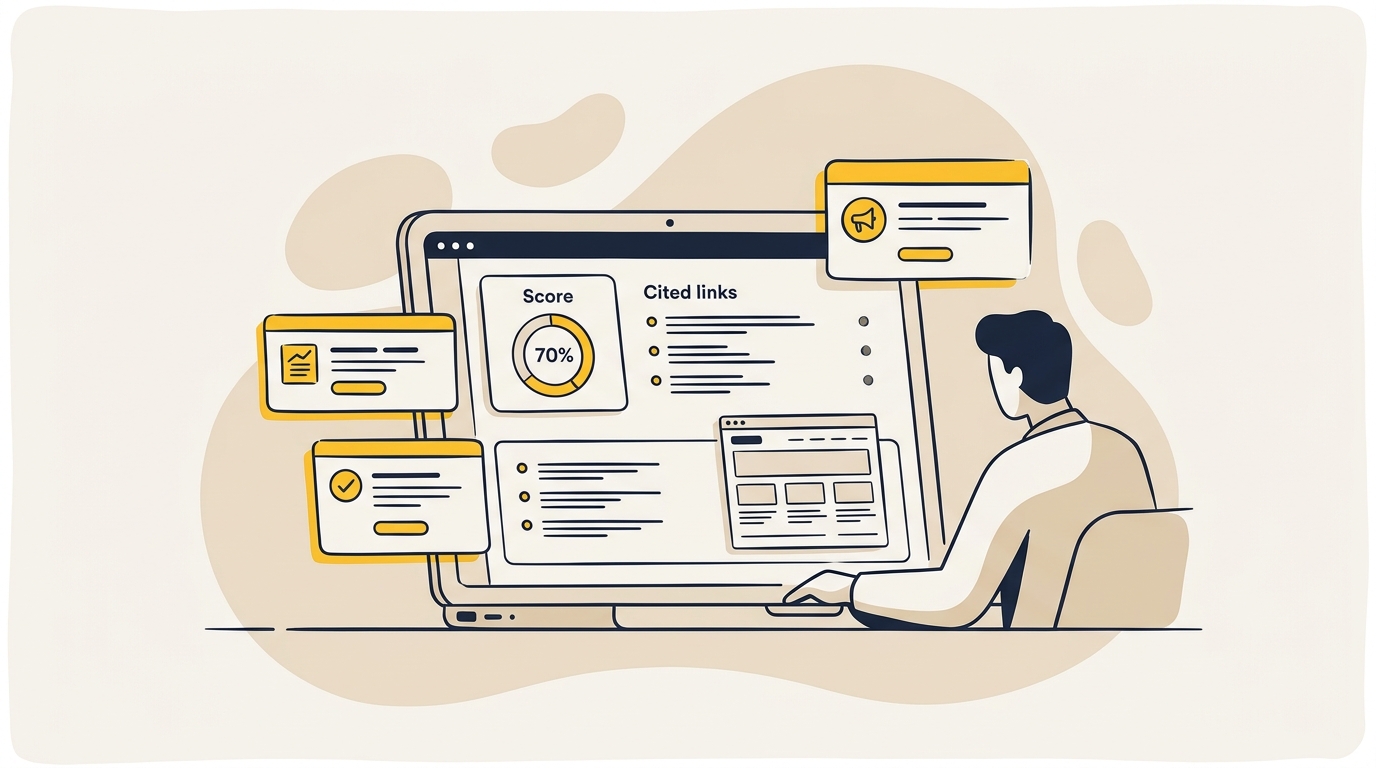
Many reports begin with a single AI visibility score. It is designed to make a complicated set of observations easy to scan. It may combine results such as whether your business appeared in tested answers, whether it was linked, where it appeared in a response, or whether technical checks passed.
That number is not automatically a percentage chance of being recommended. It is not a Google ranking, a measure of website quality, or a guarantee of future leads. Unless the provider explains the formula, the weights and the prompts tested, you cannot compare the score directly with another tool’s score or another business’s result.
How to interpret a low or high score
A low score can be a useful signal, but it is not a diagnosis by itself. Look beneath it for the specific prompts that returned no mention, the pages that were checked, and any evidence of a technical block or unclear business information. If the report does not show those details, ask the provider what was measured before you make a costly change.
A high score also needs context. It could reflect strong visibility for broad questions while missing the specific, high-intent queries your best customers ask. A business might be named in an answer but not linked, or linked for an informational question that rarely leads to a sale. The practical value depends on relevance, accuracy and the customer’s next step.
Use this quick test:
| Ask | What to look for |
|---|---|
| What was tested? | Platforms, prompt wording, location, language and date. |
| What does the score combine? | Mentions, citations, position, technical checks or other factors. |
| Can I inspect examples? | Actual answers, cited URLs and competitor names. |
| Does it connect to my goal? | The queries should match real buying or research situations. |
If the report gives just a number and no supporting examples, do not treat it as a complete audit. Use it to start a more specific investigation. A useful report should help you work out what to do, not just make you feel good or worried.
Step 2: Separate mentions, citations and useful recommendations
A mention is when an AI answer names your business. A citation is when it links to a page as a source. A recommendation is an answer that presents your business as a relevant option for the question asked. These are related signals, but they are not interchangeable.
For example, an answer might mention your clinic as one of several local providers without linking to your website. Another answer might cite a page from your site to support general advice without recommending your business. A third might recommend your service and cite a page that explains what you do. The third is usually the most useful combination, but you still need to check whether the answer is accurate and relevant.
What the difference tells you
- Mentions without citations: The AI appears to recognise your name, but the answer may be drawing information from other sites or from sources that are not visible in the response. Check whether your site explains your services clearly and whether reliable third-party pages describe your business consistently.
- Citations without strong recommendations: Your content may be useful as a reference, but the answer may not have enough evidence to position you as a suitable provider. Look at the prompt, your service page and the details that distinguish your offer.
- Recommendations with inaccurate details: Treat this as a brand accuracy problem. Check the answer’s sources, then correct out-of-date or conflicting information on your site and relevant external profiles.
- No mention and no citation: First check whether the prompt is relevant, then investigate content coverage, technical access and the strength of other sources in the answer.
Some reports also use a term such as “absorption” to mean that an AI system repeats or uses information from your website. Do not assume this is a standard industry metric. Ask what the report considers evidence of absorption and whether it can point to a specific sentence, figure or source. The Campaign Creators guide to citation analysis offers a useful perspective on examining citations, but your own report should define its terms clearly.
Step 3: Check the prompts and platforms one by one
The prompt list is often more actionable than the headline score. Read each question as if it came from a real customer. Does it describe a problem you solve? Is it local, specific and close to a buying decision? Does the wording match how customers speak, or is it a generic test that could apply to almost any company?
Create three groups:
- High-value questions: The person has a clear need and is considering providers, products or a next step.
- Research questions: The person is learning about a problem, process or solution, but may not be ready to buy.
- Low-relevance questions: The prompt does not reflect your offer, audience, service area or commercial priorities.
Focus first on high-value questions. A physiotherapy clinic might care more about “physiotherapist for sports injuries in Parramatta” than a general question about health. A specialist e-commerce shop may care more about a product comparison than a broad request for online shopping advice. The report should be judged against the questions that matter to your business, not just the number of prompts it tested.
Compare results across platforms carefully
AI tools can produce different answers to the same prompt. They may search the web differently, use different sources, or present links in different ways. That means one tool’s result is not a reliable substitute for checking the others that matter to your customers.
The PingPrime comparison of ChatGPT Search, AI Overviews and Perplexity discusses differences between these experiences. Use it as background, not as proof that a particular engine will always behave in a fixed way. In your report, note platform-specific patterns: perhaps your business appears in one product, while a directory or competitor dominates elsewhere.
Do not respond to every difference by creating a separate page for every AI tool. Start with the customer question. A well-structured, accurate page that answers a genuine need is more useful than a collection of thin pages written to target platform names.
Step 4: Inspect the cited sources and the missing pages
When a report shows a citation, open the link and read the cited page. Check that it is current, relevant and genuinely supports the answer. The citation may point to your service page, a blog post, a directory listing, a review, a partner website or a competitor. Each source tells you something different about how the answer is being assembled.
When your own site is cited, inspect the exact passage the answer appears to use. Does that passage make sense on its own? Can a prospective customer quickly tell what you offer, who it is for and what to do next? If the information is buried in vague copy, a complicated graphic or a long page with weak headings, the page may be harder for both people and automated systems to interpret.
When an external source is cited instead, do not assume that the answer is wrong. A directory or review site may contain useful information, and customers may rely on it too. Check whether the listing is accurate and whether your website offers a stronger first-hand source for key facts such as services, locations, eligibility, features or product details.
Use the design to make evidence easy to find
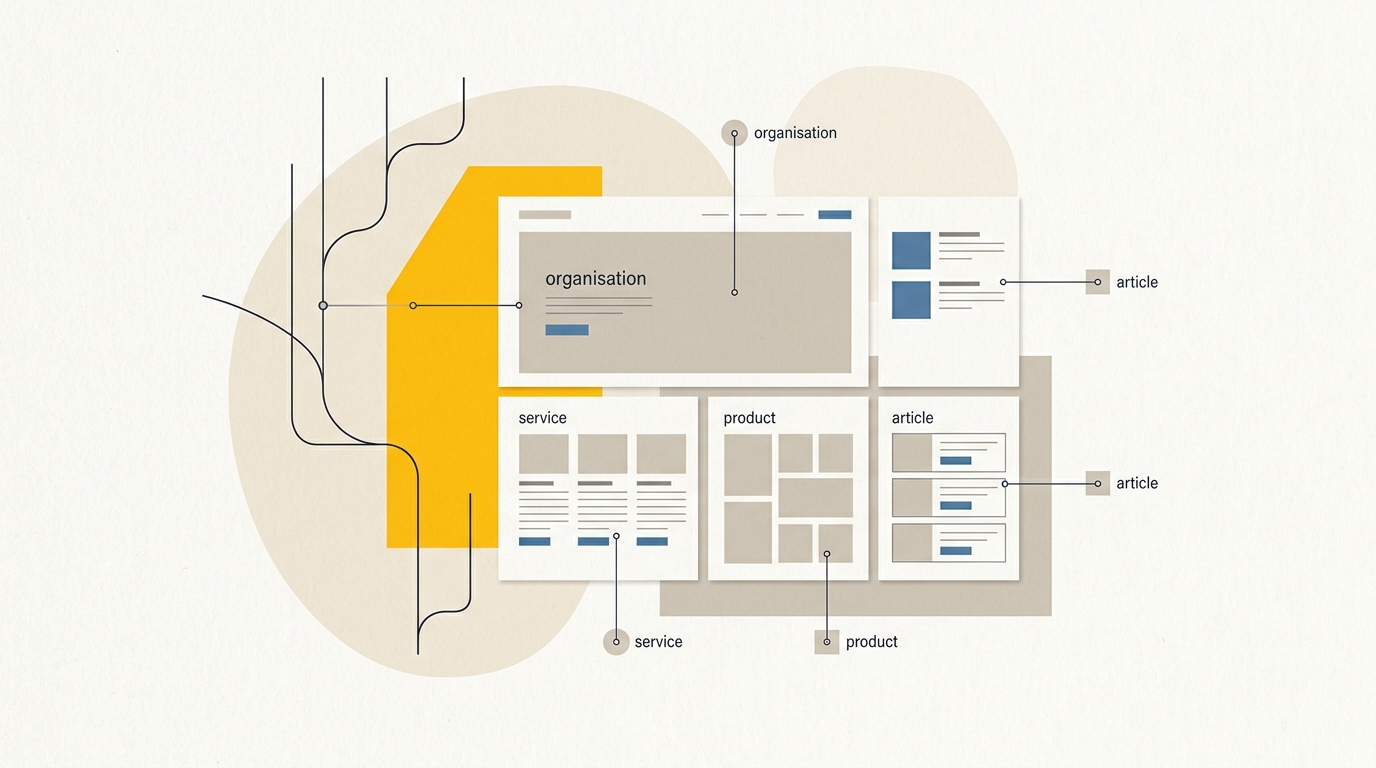
Good information architecture is a design decision. A clear page title and a logical sequence of headings help a visitor scan and help define what each section is about. Consistent labels for services, locations and product options reduce the chance that important details are hidden behind decorative language.
A strong service page might use this order:
- A plain-language opening that identifies the service and intended customer.
- A concise summary of the outcome, area served or product category.
- Details on process, eligibility, features, timing or other verified facts.
- Evidence such as qualifications, case examples, reviews or named experts, when you have permission to publish them.
- Frequently asked questions that answer real customer concerns.
- A clear next step, such as booking, requesting a quote or viewing products.
This is not a formula that guarantees an AI citation. It is a practical way to make the page easier to use, understand and maintain. The Norg guide to structuring content for AI citations discusses content structure from an AI search perspective. Apply the underlying discipline without turning your site into robotic prose.
Step 5: Read the technical checks before editing robots.txt
Some reports inspect whether crawlers can access a website, whether important pages can be fetched, and whether content appears in a form a crawler can read. These checks can be useful, but technical results need context. A warning about a bot or a robots.txt rule is not permission to change access settings blindly.
Start by identifying the exact issue. Is a page blocked from indexing? Is a specific crawler disallowed? Is the report unable to fetch a page? Is important content loaded only after scripts run? These are different problems and may have different effects. Ask the report provider or your developer which URL, rule or response triggered the finding.
What to check with your developer
- Whether the relevant page returns a normal response and can be accessed without logging in.
- Whether robots.txt or a security service blocks a crawler that the report says it tested.
- Whether key copy is present in the page’s rendered content, not only in an image or an interactive element.
- Whether important sections are available on mobile and do not depend on a broken script or hidden interaction.
- Whether the report distinguishes search-related access from model-training access.
Crawler names and platform rules can change. Some businesses may choose different access settings for search crawling and model training, and the right choice depends on their preferences and the platform’s current documentation. Do not paste a suggested robots.txt rule into your site without understanding what it permits. Ask your developer to explain the change and test the result.
The HG Insights overview of AI crawlers can help you understand why crawler names appear in audits. Treat third-party crawler lists as a starting point, then verify current platform requirements before changing your site. A technical change that opens access to the wrong content, or blocks useful services, can create a new problem instead of fixing the report.
Step 6: Understand extractability, headings and schema
A report may use terms such as semantic structure, extractability or schema health. In plain language, it is checking whether the page’s content and its relationships are clear enough for software to interpret. The design question is whether the information is arranged in a way that is easy to scan, and the technical question is whether the page communicates that structure consistently.
Start with page hierarchy
Each important page should have a clear main topic. Use headings to show the relationship between the main topic, its sections and supporting details. Choose a heading because it describes the section, not because a particular font size looks right. Visual styling can be applied separately, so a heading can look the way the design needs while retaining the correct structural role.
Avoid using headings as decorative labels without considering the page outline. Avoid long stretches of copy with no meaningful subheadings, too. For a visitor, this makes information harder to scan. For automated systems, it can make it less obvious where one answer ends and another begins.
Make important facts readable as text
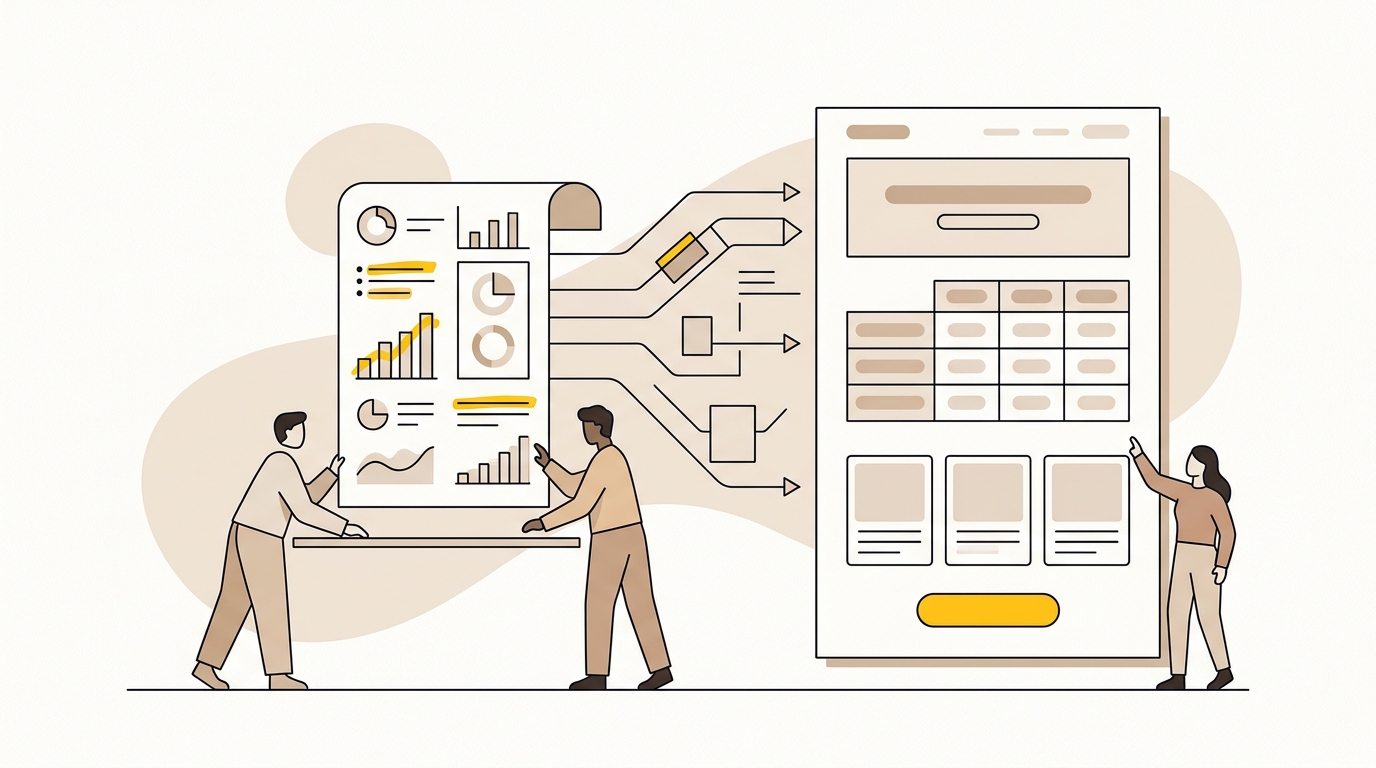
If pricing, product options, service areas or comparisons only appear inside an image, consider adding the same information as selectable text. Text-based tables and clearly labelled lists are often easier to read and maintain than a graphic that contains all the details. On small screens, a table may need a responsive layout or a simpler card treatment, but the information itself should remain available as text.
Use specific, verifiable statements instead of unsupported claims. “We provide exceptional service” does not explain what you do or how a customer can tell. “Our team provides after-hours electrical repairs across the inner west” is more concrete, if accurate. Do not invent statistics, client numbers, guarantees or credentials to make a page sound more authoritative.
Treat schema as supporting information, not a shortcut
Structured data, often called schema markup, is a standard way to label information about a business, service, product or other entity. It can help search systems interpret details, but it does not guarantee that an AI tool will mention or cite your business. The content visible to customers must still be accurate and useful.
If your report flags schema, ask which type is missing or invalid and on which page. A local service business may need accurate organisation and location details, while an online shop may have product information to maintain. Do not add every possible schema type just because a tool lists them. Use markup that matches visible page content, and have a developer validate it. DesignFIT’s local business schema markup guide explains the information to review for a local business.
Step 7: Review sentiment, business details and competitors
A report may summarise how AI describes your business, including your services, location, pricing, strengths or target audience. Read the exact answer before acting on a summary label such as positive, neutral or negative. A sentiment score can flatten important context: a neutral answer may be accurate and useful, while a positive-sounding answer may still describe the wrong service.
Make a list of claims that could change a customer’s decision. For example, does the answer state that you serve a location you do not cover, describe a discontinued product, quote an old price or confuse your business with another company? Record the answer, platform, prompt and cited sources. Then decide whether the error comes from your website, an external listing, stale content or something you cannot identify.
If an answer contains an incorrect or outdated business description, follow the steps in DesignFIT’s guide to fixing incorrect AI search information. Correcting the source of information is more constructive than trying to manipulate the answer itself.
Use competitor results as a page-planning tool
Competitor visibility is worth investigating when the competitors shown are genuine alternatives a customer might consider. Open their cited pages and look for useful information that answers the prompt: clear service boundaries, detailed product facts, transparent process descriptions or helpful comparisons. Do not copy their wording or assume that appearing in a report means their website is better overall.
Instead, ask what a customer still needs to know after reading your page. Can they compare options? Do they understand who your service suits? Is there evidence to support your claims? Can they see the service area, product details or next step without hunting? Those are design and content decisions you can improve while keeping your own positioning distinct.
The first three actions to take after your report
You do not need to rebuild your website because of one report. Start with these three actions in order. Each one depends on evidence, and each should be checked against the needs of actual customers.
Action 1: Verify the finding and fix access problems
Choose the most important missing prompt and inspect the result on the platform named in the report. Confirm that the business name, service and location are correct. Open the cited sources. If the report indicates a crawler or page access problem, ask your developer to verify the exact URL, rule and platform involved before changing anything.
This is the first step because there is little value in rewriting a page that cannot be reached or testing against a prompt that is irrelevant. Keep a short record of what you checked and what you found. If access is fine, move on rather than spending time repeatedly inspecting robots.txt.
Action 2: Improve one high-value page
Select the service, product or location page that best matches a priority customer question. Review it on a phone and desktop. Can a visitor understand the offer quickly? Is the page’s heading structure logical? Are the details factual and specific? Does the page answer the question before making the visitor work through broad marketing language?
Make the smallest useful improvement. You might clarify the opening paragraph, add a missing service area, show product details as readable text, reorganise headings or add a short FAQ based on real customer questions. Keep a before-and-after copy of the page and record the change date. This makes it easier to understand whether the next report reflects your work, a change in prompts or natural variation.
Good page design connects clarity with conversion. Use a visual hierarchy that makes the most important information easy to spot, then place the next step where it makes sense. A prominent enquiry button cannot compensate for a page that never explains the service. Equally, a thorough page can lose a qualified visitor if the contact route is difficult to find.
Action 3: Make your business facts consistent
Check your main website, Google Business Profile, relevant industry directories and social profiles. Confirm that your business name, location, services and descriptions are accurate and consistent where they need to be. Keep the wording natural; consistency does not mean pasting identical copy everywhere. It means avoiding conflicting facts about what you do and where you do it.
Then review whether your website clearly identifies the business behind each key page. Make contact and location details easy to find, keep service descriptions current, and use appropriate structured data if it helps represent information already visible on the page. If you have several businesses, locations or product lines, make sure your information architecture makes those relationships clear to customers.
Mistakes to avoid when reading an AI visibility report
- Treating one score as a complete ranking. A score reflects a particular tool’s method and sample. It cannot tell you everything about the quality of your website or your future results.
- Assuming one platform represents all AI search. Compare the platforms and prompts your customers use. A result from one service is one observation.
- Rewriting the whole site after one missing answer. Verify the evidence, prioritise the page that matters and make a focused change first.
- Adding keywords without improving meaning. Repeating a phrase does not make a vague page useful. Write for the question, give a direct answer and support it with accurate detail.
- Inventing numbers, customer quotes or credentials. Unsupported facts can damage trust and create legal or reputational risk. Use evidence you can substantiate and are allowed to publish.
- Marking up information that is not visible or true. Structured data should describe the page accurately, not claim features or reviews that customers cannot verify.
- Blocking or permitting crawlers without a plan. Understand the difference between access types and ask a developer to check current platform guidance before editing access rules.
- Chasing competitors instead of your customer. Competitor findings can reveal gaps, but your page should reflect your offer and the decisions your customers need to make.
- Expecting instant, permanent change. AI answers can vary. Keep a record of changes and compare observations over time using the same prompts and platforms where possible.
A checklist for your next review
Before you close the report, check that you can answer these questions:
- Which customer questions were tested, and which ones matter most to my business?
- What does this report mean by score, mention, citation and sentiment?
- Which answers included my business, and were the details correct?
- What pages or sources were cited, and do they support the answer?
- Is there a verified technical problem, or only a general warning?
- Which one page would make the biggest difference to a high-value customer question?
- What is the smallest useful change I can make and measure?
- Who will check the change, and when will I review the same prompts again?
If you cannot answer the first five questions, ask for the report’s methodology or a clearer explanation before starting work. If you can, pick one page and one factual correction or design improvement. A short, evidence-led change is easier to assess than a large rewrite made in response to a number you do not understand.
What your free AI visibility report can and cannot tell you
A free AI visibility report can help you spot missing mentions, citations, unclear content, inconsistent business details or possible access issues. Its value depends on how transparently it explains its method and whether the prompts reflect real customer needs. It cannot promise a citation, prove that a single platform’s answer is permanent, or replace a careful review of your website and brand information.
Read the examples, check the sources, and focus first on access, one high-value page and accurate business details. The best improvements are usually good design decisions as well as search decisions: clear hierarchy, readable evidence, useful page structure and a next step that makes sense to a visitor.
If you want help interpreting the findings and deciding what to improve first, request a free AI search audit from DesignFIT. To see how the broader group of products and services fits together, visit DesignFIT’s family of services.
Key takeaway
Use your free AI visibility report to find one verifiable gap, improve the page that matters most to customers, and make your business information accurate and consistent.
Questions people ask
Why isn’t my business cited by ChatGPT even though it ranks well on Google?
A strong Google position does not guarantee that a page will be selected or linked in an AI answer. Check whether the tested prompt matches your offer, whether the page gives a clear and useful answer, and whether the report found any access or source issues.
What is an AI visibility score?
It is a score defined by the report provider to summarise selected tests of your business’s appearance in AI answers or related website checks. Ask which platforms, prompts and signals were used, because scores from different tools may not be directly comparable.
What is the difference between an AI mention and a citation?
A mention is when an AI answer names your business. A citation is when it links to a page as a source; a mention does not necessarily include a link or recommendation.
Should I change robots.txt if my report says an AI crawler is blocked?
Not without confirming which crawler, page and access rule the report tested. Ask a developer to verify the issue and check the platform’s current guidance before changing access settings.
How often should I run an AI visibility report?
There is no universal schedule that suits every business. Save the prompts, platforms and date, then review again after making meaningful changes so you can compare similar tests rather than react to a single fluctuating answer.